Everything around the platform. Already built.
Sending email is the product. Running it as a business takes more: a website that sells it, a brand and a mascot people remember, a brand kit of everything you need to market, the numbers a subscription business is run on, tools to manage customers, plans and payouts, and a referral programme your customers run for you. Every SendTo partner gets all seven, in the dashboard they already use, and everything their customers see carries the partner’s brand.
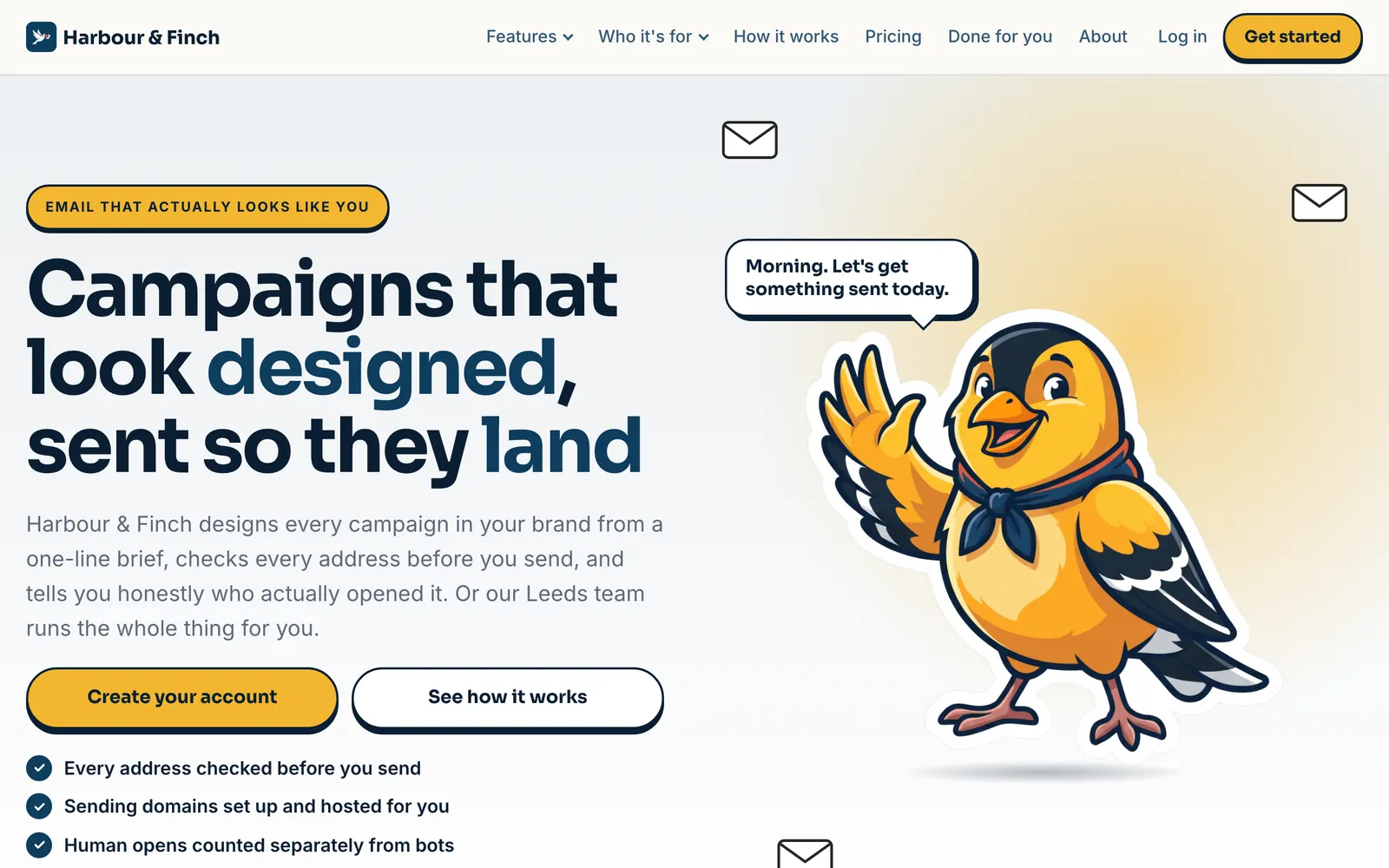

Example · made by the website builder for a fictional partner
A white-label platform is a product. A partner needs a business.
Most white-label software stops at the login screen. You get a product with your logo on it and a blank page where the business should be: no website to sell it from, no brand beyond a colour, no idea what the business earned this week, and no way to grow except the hours you spend selling.
Building that business yourself is months of work and a list of suppliers: a web designer and a copywriter, a brand designer, an illustrator, a spreadsheet of subscriptions, a payments setup, referral software, and somebody to make the marketing material. Every one of them is paid before your first customer is.
SendTo ships the business with the platform. The website writes itself from your brief. The brand kit and the mascot are drawn in an afternoon. The numbers are worked out from your customers’ real payments, every week. And the referral programme turns each customer into someone who sells for you. It is the difference between reselling software and owning a company.
Built in, switched on, under your name.
Each has its own page below. Together they are what turns a white-label login into a business you can run, grow and one day sell.
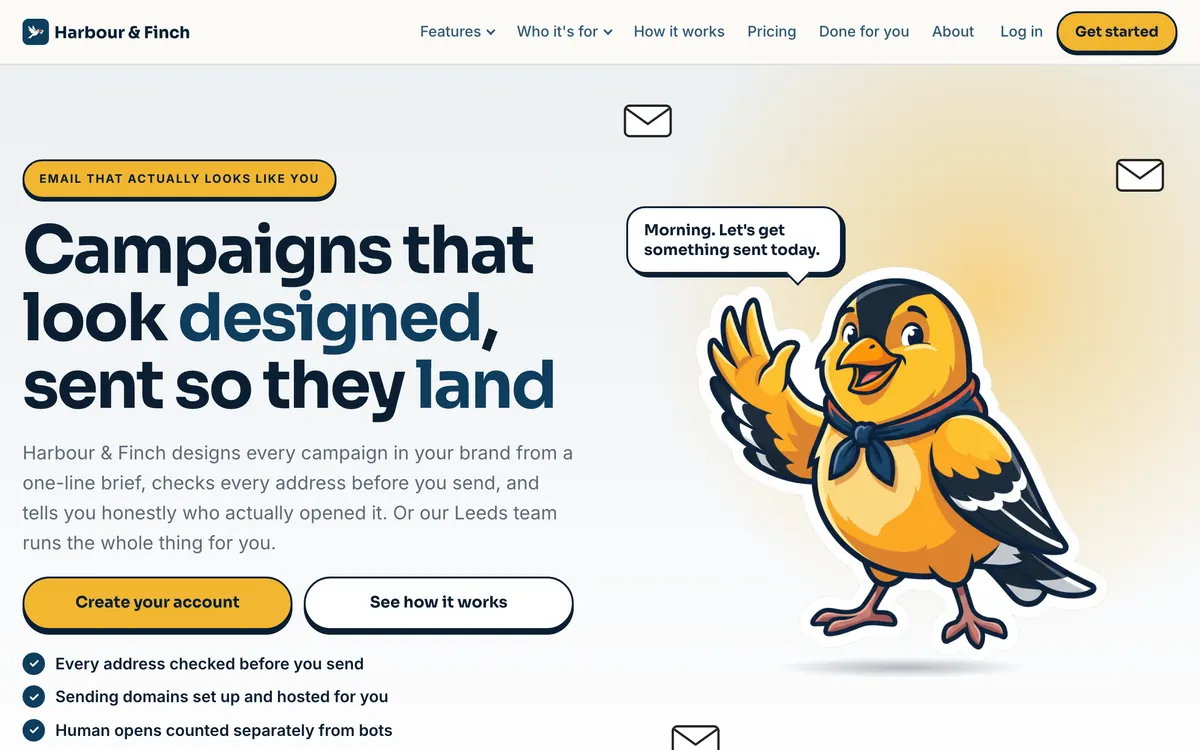
Website builder
A marketing site for your platform: home, a page for every feature and every industry you serve, pricing, a guide to email in your country, a comparison, about, FAQ and contact. Written, designed and published on your domain.
Explore →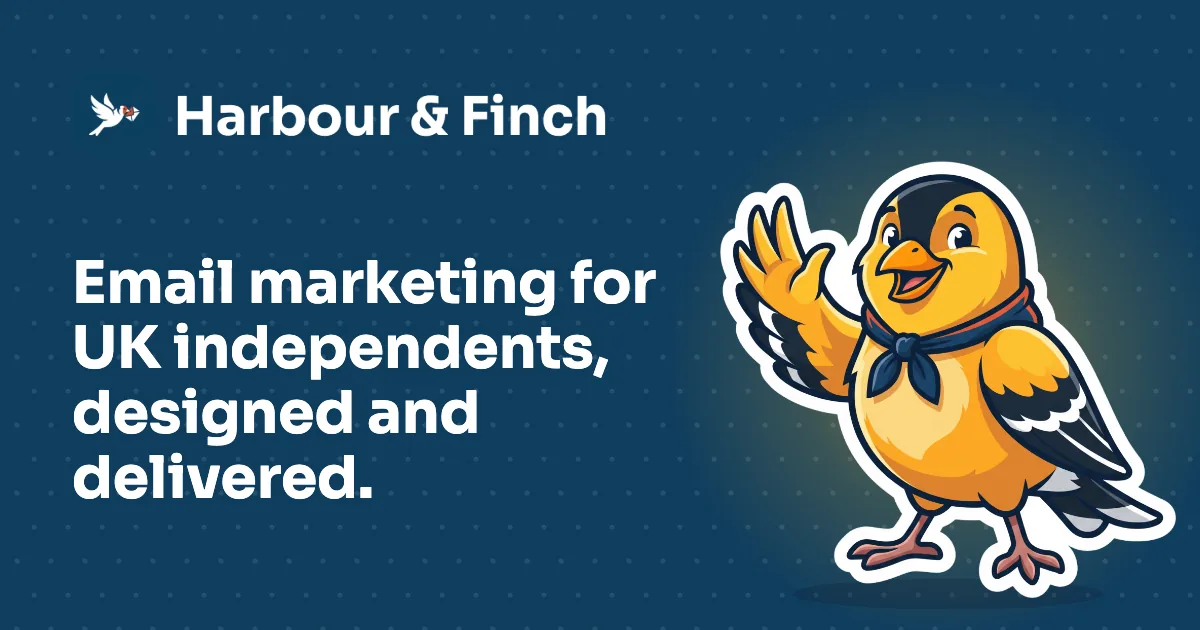
Branding engine
Your colours and logo become a whole portal theme that passes contrast checks, branded emails and sign-in pages, and a brand kit: logo lockups, an app icon, a favicon and share images.
Explore →
Mascot engine
Describe a character. The engine draws three concepts, then eleven more poses of the one you pick, each placed on your website by what it means.
Explore →Partner statistics
Monthly recurring revenue, earnings and customers, graphed by the week against last year, and the twelve months ahead.
Explore →Business management
Customers, plans and pricing, managed tiers, promo codes, domains, payouts, customer emails and your team.
Explore →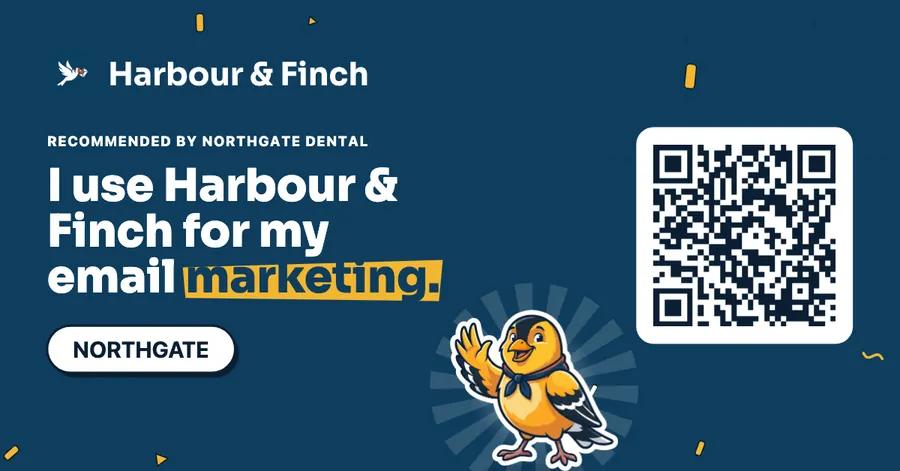
Customer affiliate hub
Switch it on and every customer gets a Refer hub in your brand, with a link, a code, graphics and cash rewards for every customer they bring you.
Explore →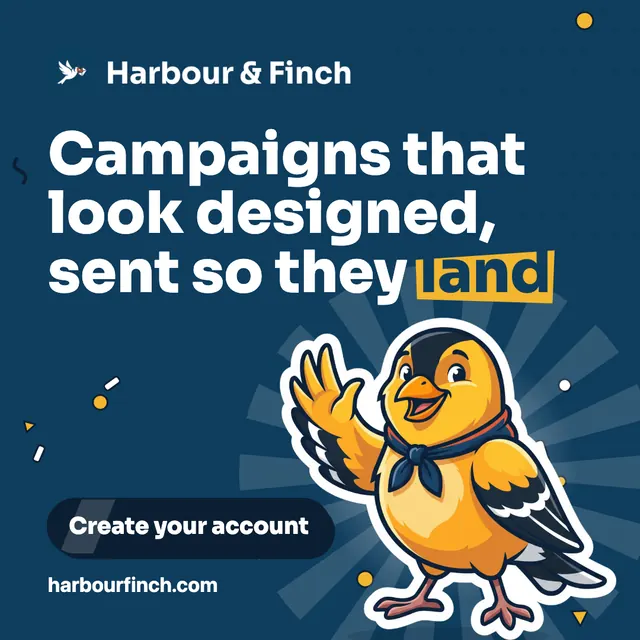
Brand kit and assets
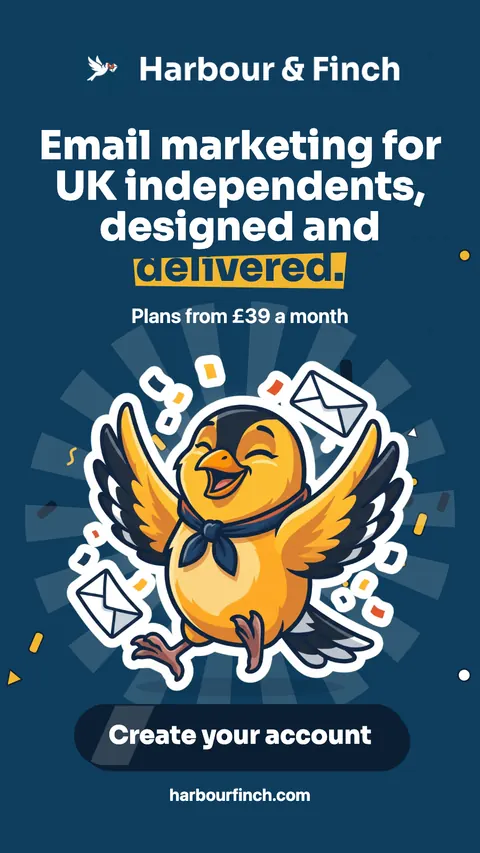
Over thirty files drawn from your brand: logos and profile pictures, social covers and posts, display ads, email, cards, letterhead, a one-pager, a pricing sheet and a brand guide.
Explore →From a login to a business with a website, a brand and a sales channel.
Day one: brand the platform
Your business name, logo and two colours on Brand & portal, and the subdomain your portal runs on. Every screen your customers see is themed from them, and every email they receive carries your logo and colour.
Day one: make your brand
In the website builder: four AI ideas for an app icon, then the logo lockups, favicon, phone icon and share image; three mascot concepts, then eleven more poses of the one you choose. The portal wears the same brand, and the Brand kit draws over thirty files from it.
Day two: brief the website
Answer the questions about your business, pick one of the three directions the art director proposes and approve the plan. The pages are written on our servers, three at a time, while you get on with your day.
Day three: set your plans and go live
Plans in your currency, with what you earn on each shown before you publish. The website’s pricing page picks them up by itself. Preview the site privately, then put it live on your own domain.
Day four: switch on referrals
One switch, and every customer has a Refer hub in your brand: a link, a code, a QR code, messages to send and five graphics with their code on them.
Every week after: watch the numbers
MRR, earnings and paying customers, each graphed by the week against the same week last year, and the twelve months ahead from what is already booked. The figures move; you see which way, and act on it.
Seven jobs you would otherwise hire for.
| The job | Done the usual way | In the toolkit |
|---|---|---|
| A marketing website | A web designer and a copywriter, weeks of back and forth, and a bill every time a plan changes | Planned, written and designed from your brief; the pricing page follows your plans by itself |
| A brand identity | A designer for a logo, an icon, a favicon and a share image | Four AI icon ideas, then the lockups, favicon, phone icon and share image drawn for you |
| A mascot | An illustrator, a character sheet, and a fee for every new pose | Three concepts, then eleven matching poses as transparent images |
| Business reporting | A spreadsheet rebuilt from payment exports at the end of the month | MRR, earnings, customers and the year ahead, worked out from real payments |
| Customer billing and payouts | A payment provider to wire up and invoices to chase | Customers billed through the platform; your share credited and withdrawable by PayPal |
| A referral programme | Referral software, terms to write and a way to pay people | A Refer hub for every customer in your brand, cash rewards and standard terms ready to insert |
| Marketing material | A designer for each cover, post, ad, card and flyer | A brand kit of over thirty files, print-ready, and a share kit drawn for every customer |
Every example on this page was made by the toolkit.
Harbour & Finch is a fictional partner we set up to show the toolkit. Its website, its mascot Pip, its logo, icon and share image, its brand kit and its customers’ referral graphics were made by the same code our partners use, from one brief. The dashboard screens are drawn from the real ones with sample figures.
Toolkit questions
Is the toolkit part of the platform?
Yes. Every tool on these pages comes with the platform; none of them is a separate subscription. The website builder is free to switch on. Writing pages, drawing app-icon ideas and drawing the mascot use the account’s AI credits, like every other AI feature on the platform.
What do my customers see?
Your name and your brand: on your website, in their portal, in the emails they receive and in their Refer hub. The dashboard you run the business from is SendTo’s, and only you and your team see it.
Do I have to use all seven?
No. The website builder is off until you switch it on, the mascot is optional, and the referral programme is off until you turn it on. Statistics and business management are simply there from your first login.
Which countries does the website builder write for?
Australia, New Zealand, South Africa, Canada, the United Kingdom, Ireland and the United States: their spelling, their currency, and their email law and the regulator that enforces it.
How do my customers’ referral rewards get paid?
In cash, in US dollars, by PayPal, on the day of the month you choose, once a referrer’s balance passes the minimum you set. Each reward becomes payable 30 days after the payment it came from, and a new customer’s first payment also waits for their second.
Can I see what my business is earning?
Yes, on Business: monthly recurring revenue, what you keep after the platform fee, earnings credited, money collected, paying customers, trials, new and cancelled customers, and a projection of the next twelve months from what is already booked.
Launch the platform. Get the business with it.
A website, a brand, a mascot, the numbers and a referral programme, under your name, from your first week.
No contract · Cancel any time · Explore everything before you pay