Your whole brand portfolio. Made from your website.
The brand your website builder makes (your logo set, mascot, colours, fonts and design language) becomes a Brand kit of more than thirty files: logos and profile pictures, social covers, posts and a story, six display ad sizes, an email header and signature, cards, letterhead, a one-pager, a pricing sheet from your published plans and a three-page brand guide. Each downloads on its own, as a PNG or a print-ready PDF, or all of it in one zip.
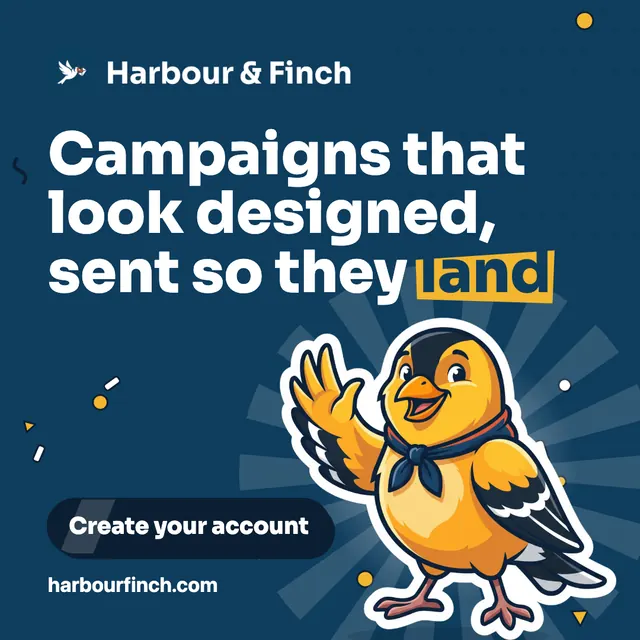
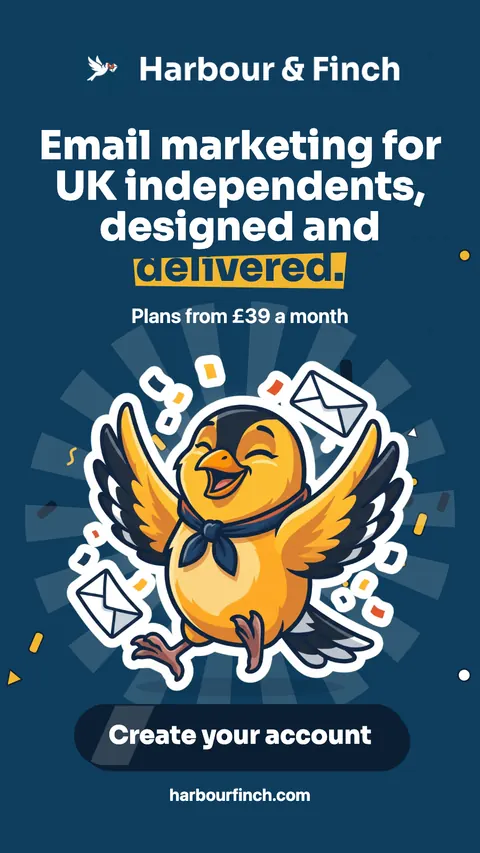
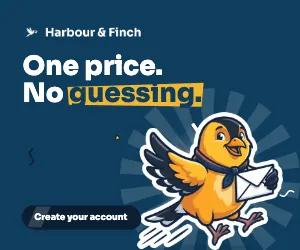
Example · Harbour & Finch is a fictional partner; this was made by the product, with the code partners use
A brand is not a logo. It is every place your business shows up.
A new business needs its brand in dozens of places on day one: a profile picture for every network, a cover for each, posts to launch with, banners for ads, a header for the newsletter, a signature, cards to hand out, a letterhead, something to hand a prospect, and a guide so anyone who designs for you gets it right. Each is a different size, and each should look like the same company.
That is usually a designer’s week, and a bill every time something changes. So most new businesses make do: a logo stretched into a cover, a cropped screenshot as a post, and no two things quite matching.
The Brand kit draws all of it from the brand your website already has, in its fonts, colours, mascot and design language, with words your website was written with. Nothing is a fixed template: each layout reads the shape it is drawn at and places your brand in it. And because it is drawn from your brand rather than stored, change the brand and every file follows.
files in every kit
kinds: logos, social, ads, email, print, guide
print PDFs, with 3 mm bleed
zip with all of it
Logos and icons
Every version of the logo, the app icon and profile pictures.
- Logo, and a logo for dark backgrounds
- Logo on your colour, on dark and on white (2000 × 1000), for slides, banners and video end cards
- App icon and favicon
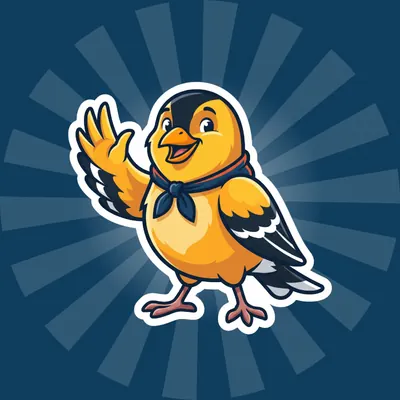
- Profile pictures for LinkedIn, Facebook, Instagram, X and YouTube, one with your mascot


Example · Harbour & Finch is a fictional partner; this was made by the product, with the code partners use
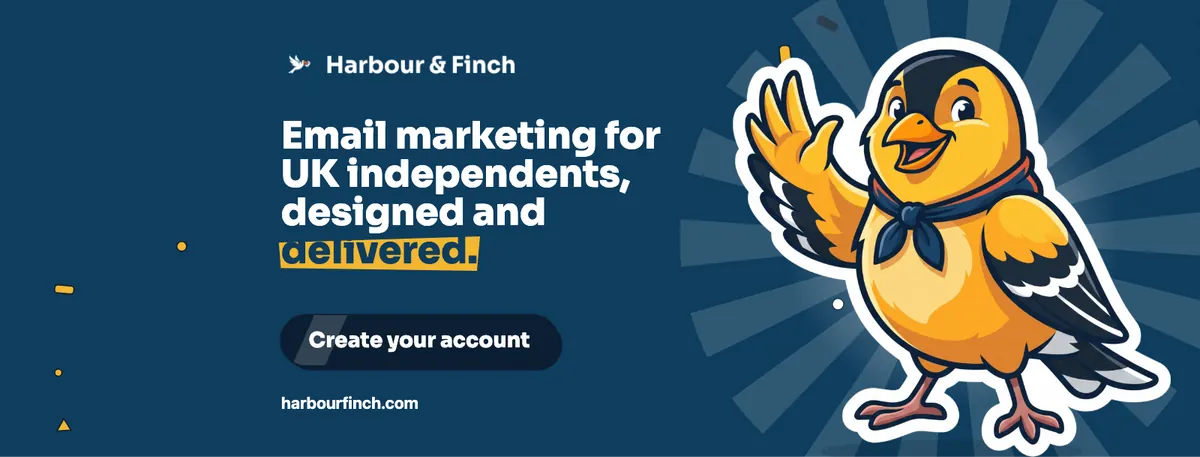
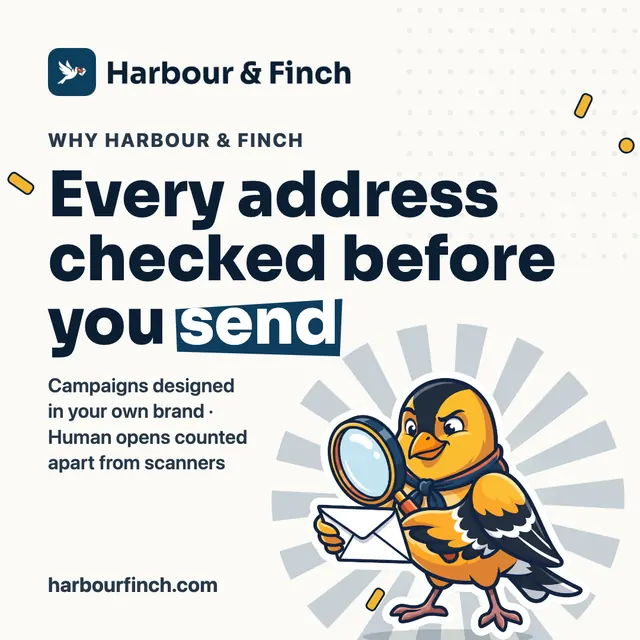
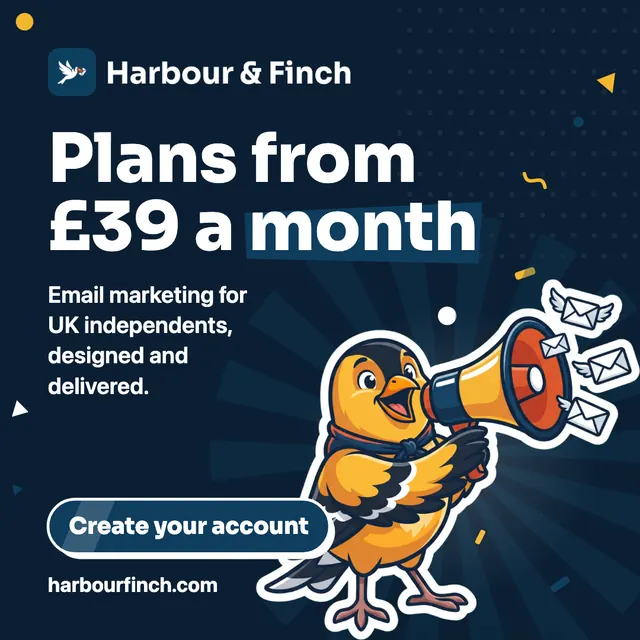

Example · Harbour & Finch is a fictional partner; this was made by the product, with the code partners use
Social
Covers, posts and stories, sized for each network.
- A LinkedIn page cover, a Facebook cover, an X header and a YouTube banner whose middle shows on every screen
- Three square posts: say hello, why you, and your offer
- A portrait post and a story
- The link preview your website shows
Display ads
The standard banner sizes ad networks take.
- Medium rectangle 300 × 250
- Leaderboard 728 × 90
- Wide skyscraper 160 × 600 and half page 300 × 600
- Mobile banner 320 × 50 and billboard 970 × 250
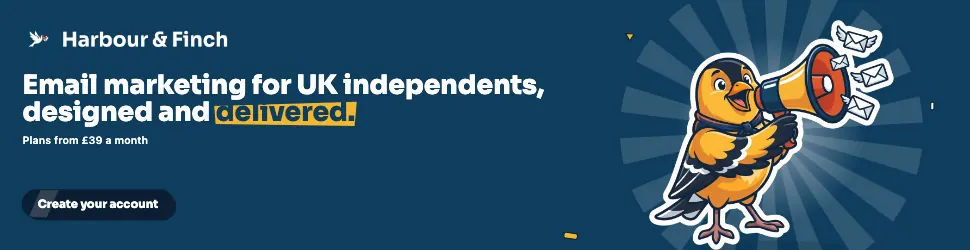


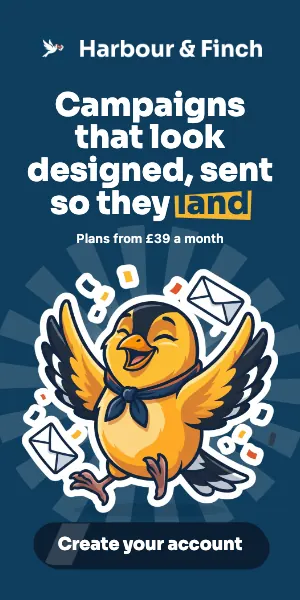
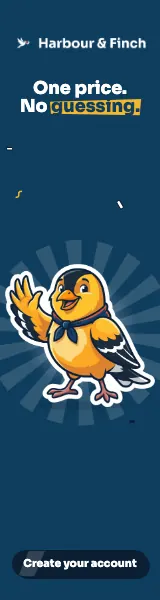
Example · Harbour & Finch is a fictional partner; this was made by the product, with the code partners use
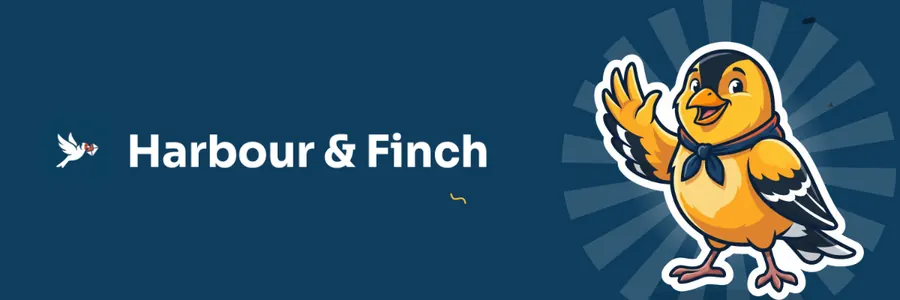
Example · Harbour & Finch is a fictional partner; this was made by the product, with the code partners use
A header for your newsletters and a signature banner.
- Email header, shown at 600 × 200
- Signature banner under your name in every email, shown at 600 × 160
Cards, letterhead, a one-pager and your pricing, ready for the printer.
- Cards with your name and title, front and back, sized for your country with 3 mm bleed
- Letterhead for letters and proposals, A4 or US Letter
- A one-pager: what you do, why you, how to start
- A pricing sheet drawn from your published plans
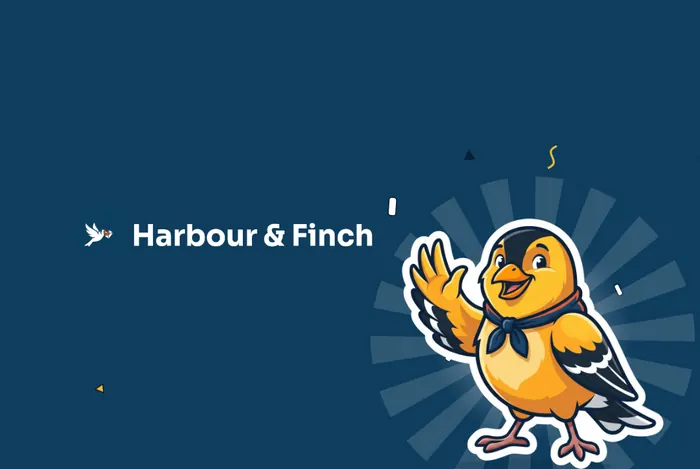
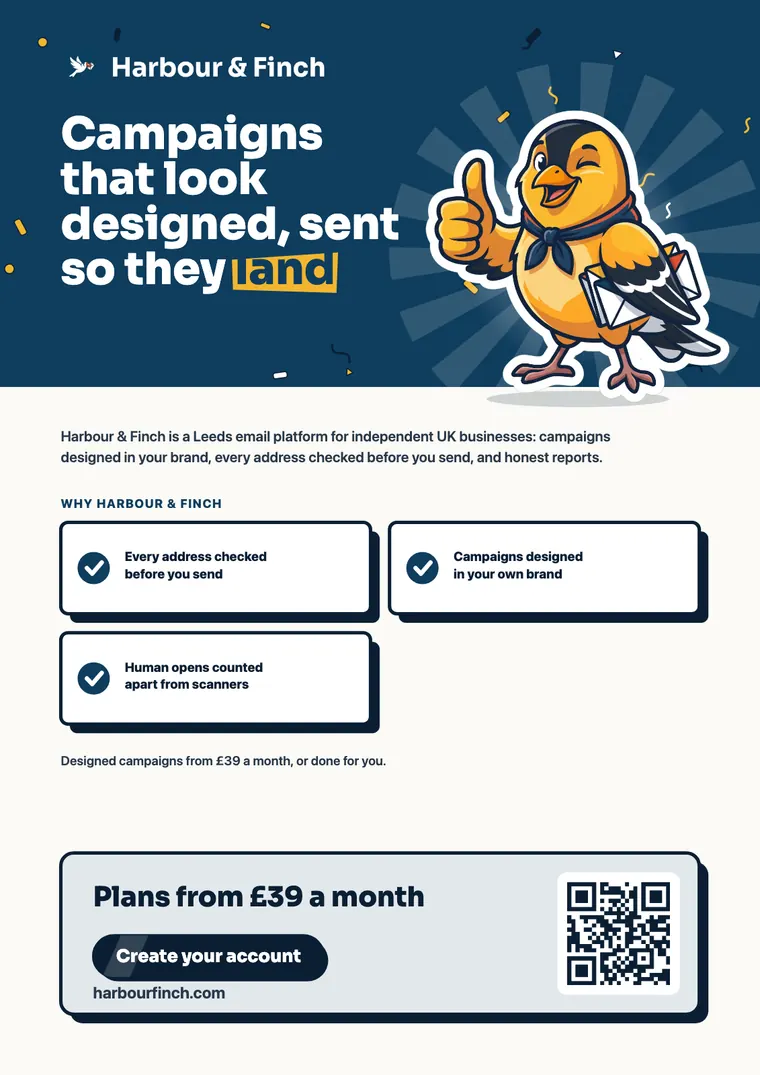
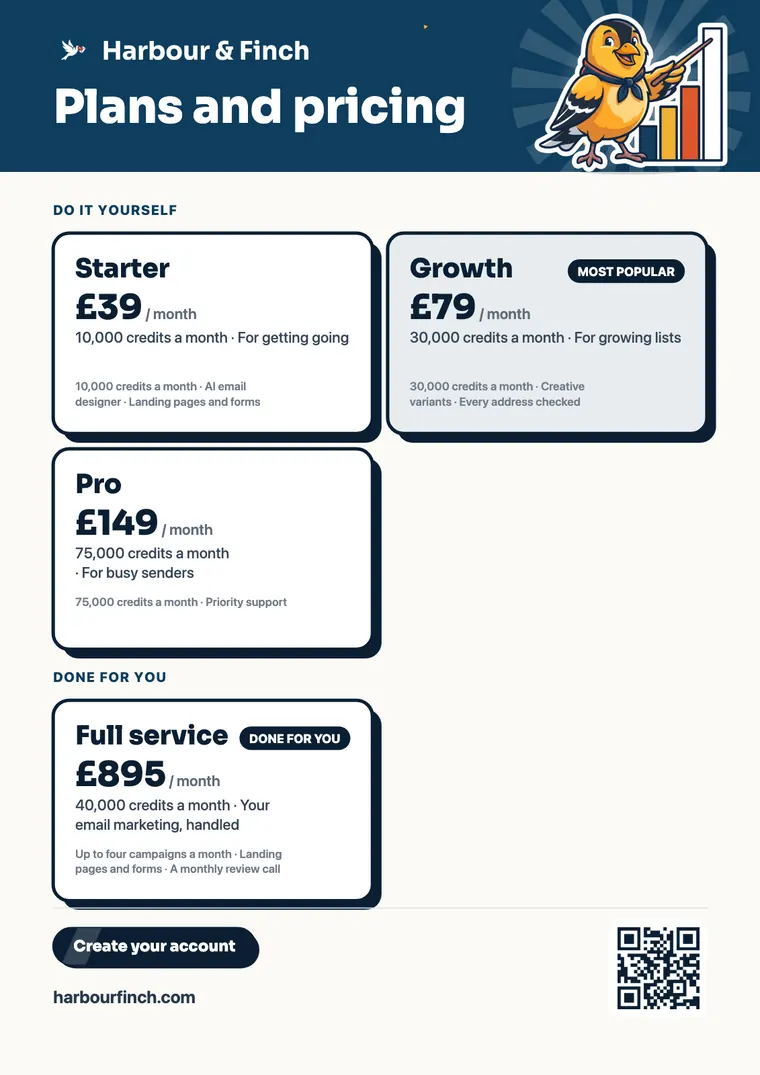
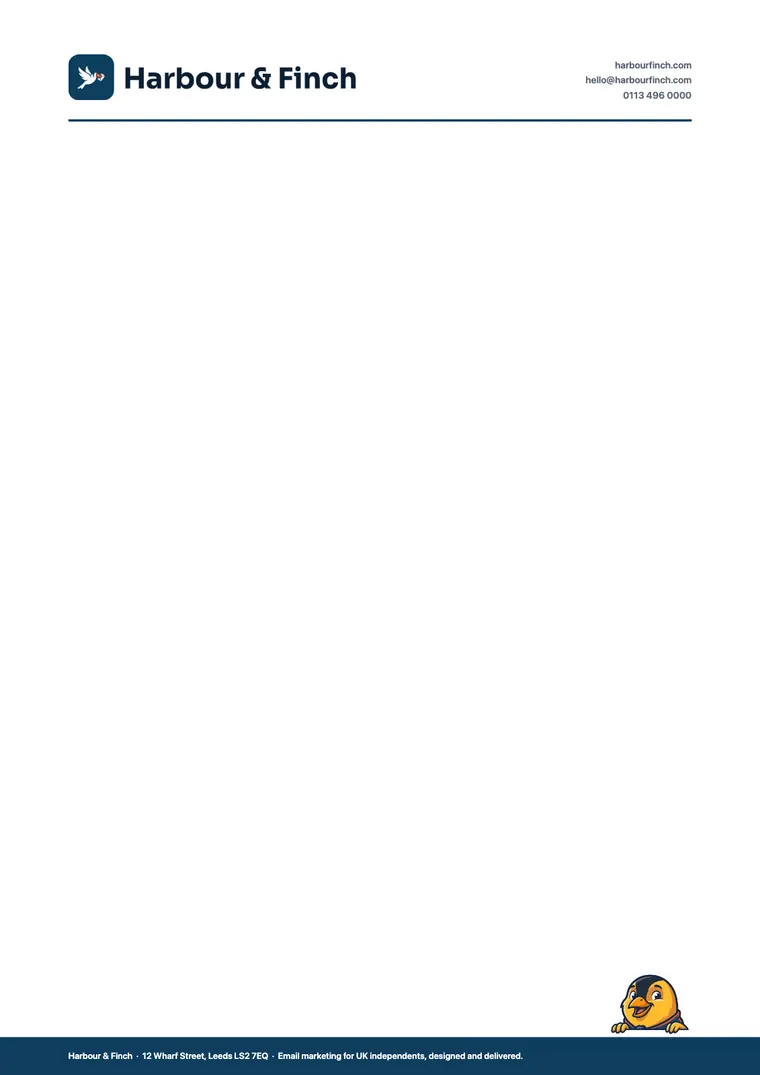
Example · Harbour & Finch is a fictional partner; this was made by the product, with the code partners use
Three pages that keep everyone on brand.
The brand on one page; the logo, colours and type on the next; the mascot and the voice on the third. Give it to anyone who designs or writes for you.
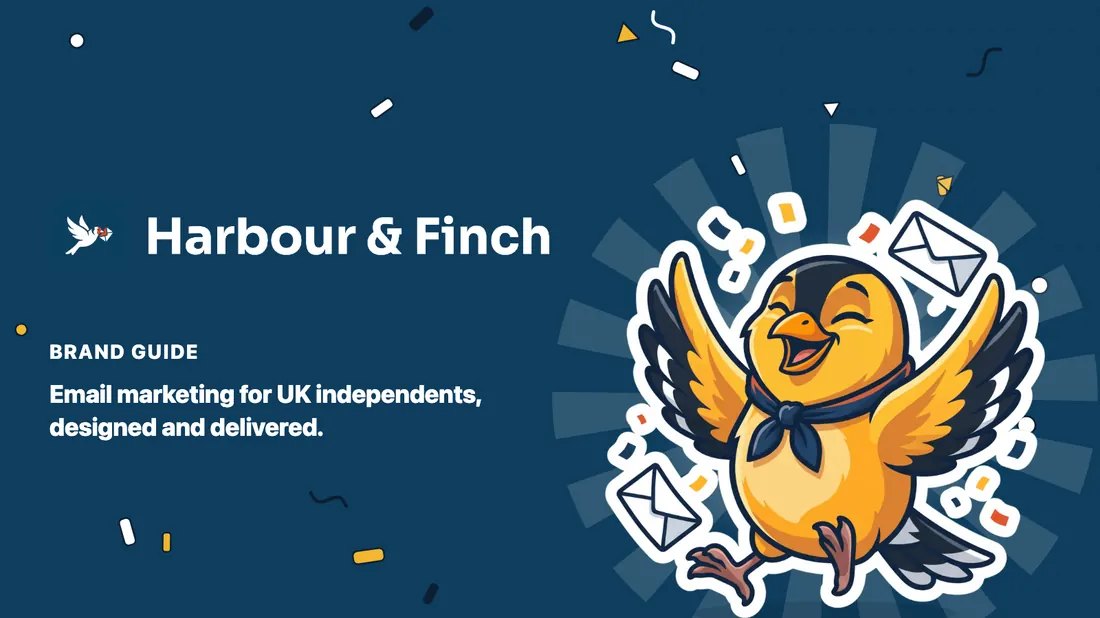
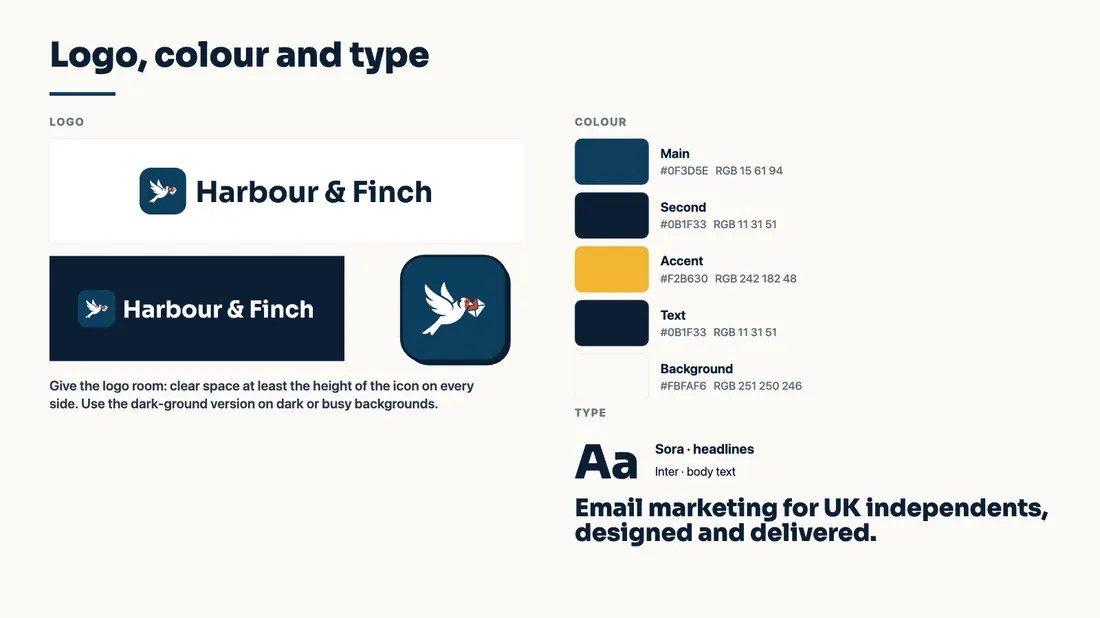
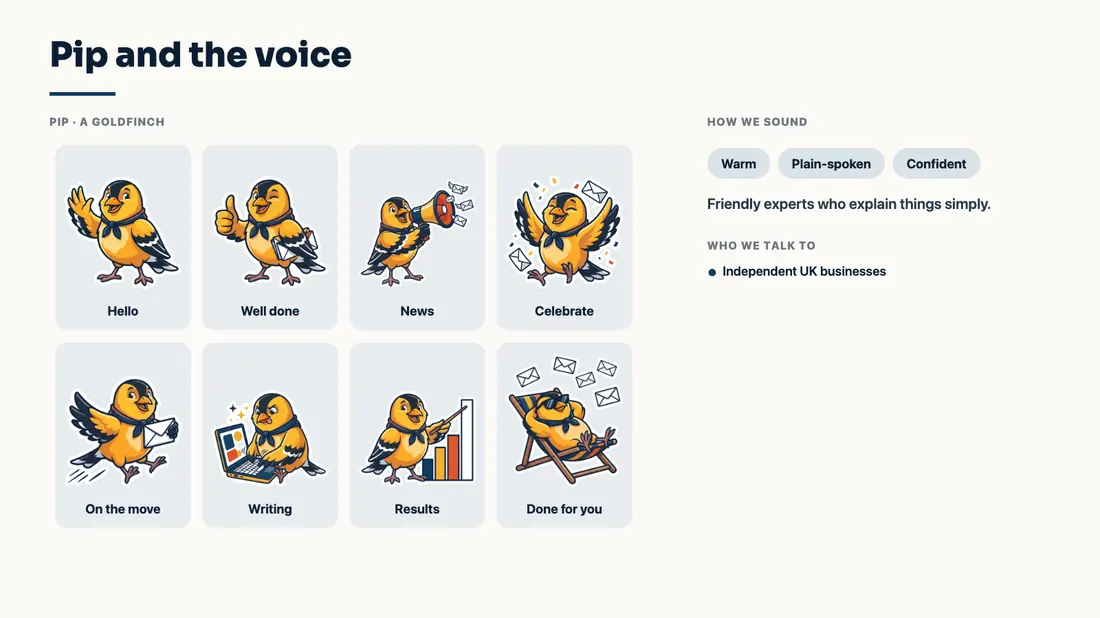
Example · Harbour & Finch is a fictional partner; this was made by the product, with the code partners use
One brand in. Every file out.
Make your brand in the website builder
Your logo set and app icon, your mascot and its poses, your colours and fonts, and the design language you choose for your website. The portal wears the same logo, colours and favicon.
Open the Brand kit
Every file is drawn in your browser from that brand, in its fonts and design language, with your website’s own words: your tagline, your pages’ headlines, your proof points, your action and your plans.
Put your name on the cards
Add the name and title for the cards, or leave them as the brand alone.
Download one, or all of it
Each file on its own, as a PNG or a print-ready PDF at 300 dpi with bleed, or Download all for one zip.
Change the brand, and the kit follows
Nothing is stored: the kit is drawn from your brand each time, so it is always the brand as it is now.
Your customers’ referral graphics, drawn by the same engine.
When you have a brand kit, the five graphics each customer shares to refer you are drawn in your website’s fonts, look and mascot, with their own code, link and QR. Partners without a kit get them drawn from their logo and colour.
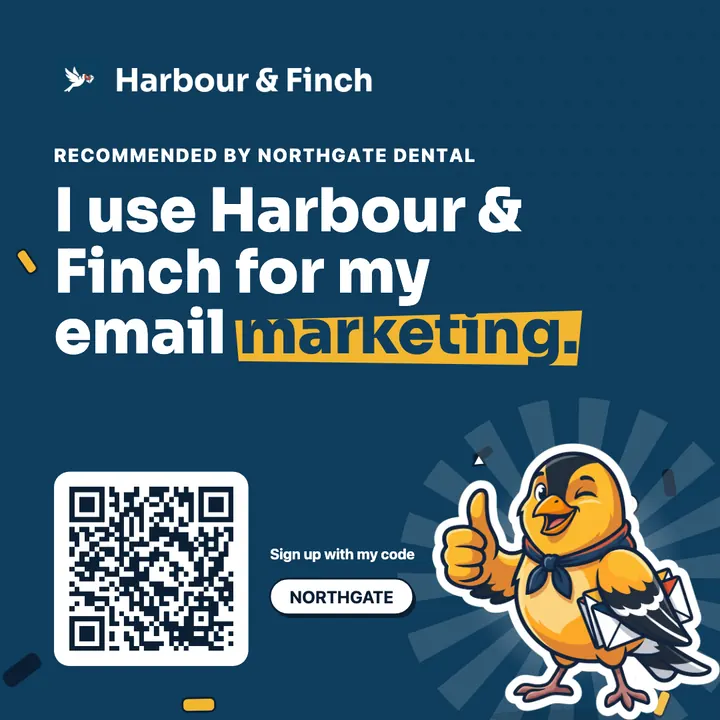
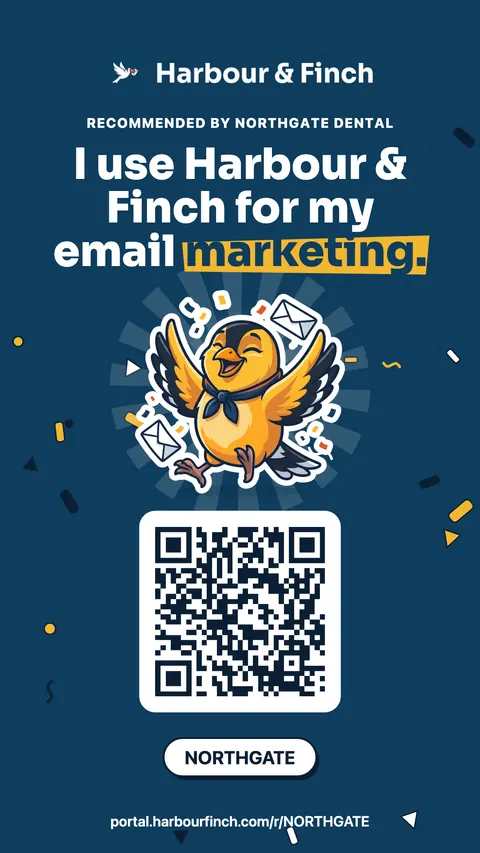
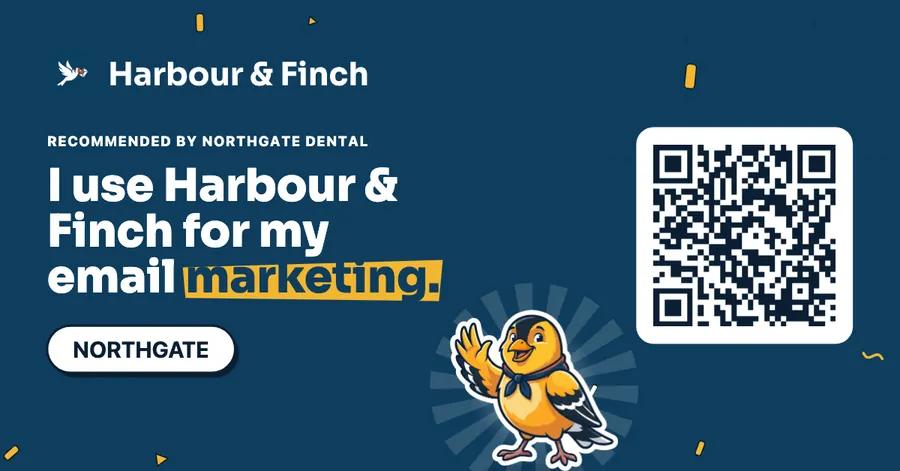
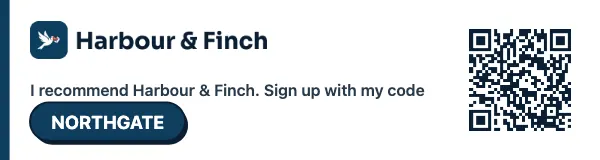
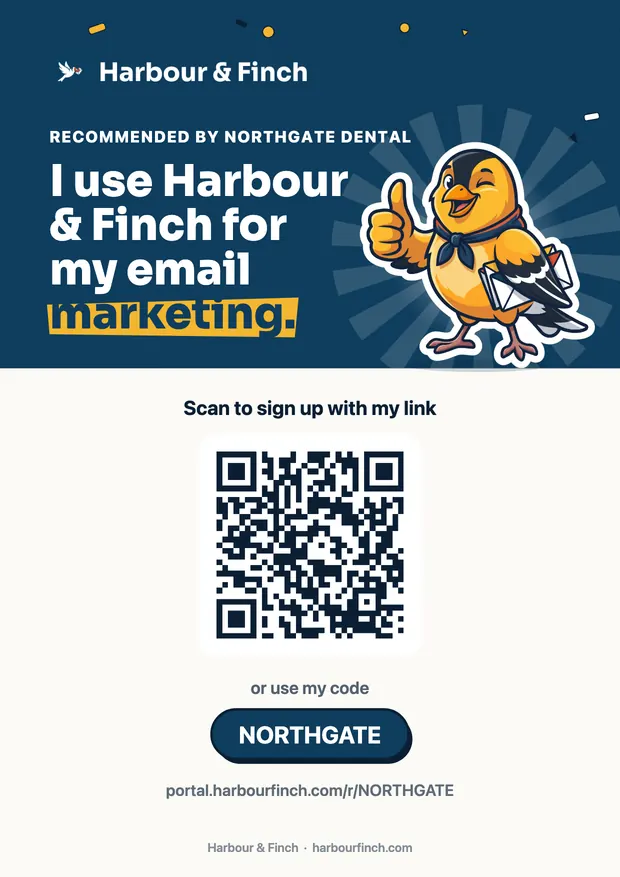
Example · Harbour & Finch is a fictional partner; this was made by the product, with the code partners use
Write it once. Every customer shares it.
Your share-kit library holds what your customers share: messages, posts and emails, social images, banners, logos and one-pagers, each for a channel (email, WhatsApp, LinkedIn, X, Facebook, Instagram, a newsletter, a community or print). Merge fields fill in each customer’s name, company, link and code, and a disclosure line.
Start with three starter pieces, write your own, and publish or unpublish whenever you like.
- Copy, emails, images, banners and one-pagers
- Merge fields for each customer’s link and code
- Three starters to begin with
Illustration · a fictional partner, sample figures
Illustration · a fictional partner, sample figures
And for promoting SendTo: the affiliate hub
Every partner is also a SendTo affiliate, earning 15% of the platform fee each partner they refer pays, for as long as they pay it. The hub that comes with it is a marketing library of its own: graphics in eleven sizes from a square post to a mobile banner, one-pagers as PDF and PNG, email swipes, social posts with character counts for each channel, QR codes and logos, with your code and link on the graphics, one-pagers and QR codes.
Download any file, copy its link or embed code, or import a whole email campaign into your own account as a draft. On an iPhone or iPad, save straight to Photos or Files. Need something it does not have? Request it: what it is, where it will be used, the size and a deadline, tracked until it is done.
- Graphics in eleven sizes, PNG and SVG
- One-pagers, email swipes and social posts
- Request anything else
A brand that looks established from the first week.
Everything matches
Every file is drawn from one brand, in one design language, so your covers, ads, cards and guide look like the same company, because they are.
Launch-ready on day one
Profile pictures, covers, launch posts, ads and a newsletter header are there the moment your brand is, not in a designer’s queue.
Never out of date
Change your colours or your logo in the website builder and every file follows, because nothing is stored.
Brand kit questions
Where does the brand come from?
From the website builder: the brand you make there (your logo set and app icon, your mascot and its poses, your colours, fonts and design language) is your Brand kit’s, and your portal wears the same logo, colours and favicon.
What is in the kit?
Logos and profile pictures; a LinkedIn cover, a Facebook cover, an X header and a YouTube banner; three posts, a portrait post and a story; six display ad sizes; an email header and signature banner; cards, letterhead, a one-pager and a pricing sheet; and a three-page brand guide. Over thirty files in all.
Are the print files ready for a printer?
Yes. The cards, letterhead, the one-pager, the pricing sheet and the brand guide come as PDFs at 300 dpi; the cards are sized for your country with 3 mm bleed.
Whose words are on them?
Yours: your tagline, your website’s headlines, your proof points, your call to action and your published plans. Nothing is invented.
What does it cost?
Nothing. The kit is drawn in your browser from the brand you already made; the brand itself (app-icon ideas, the mascot and the website) uses AI credits in the website builder.
Do my customers see SendTo in their share kit?
No. Their graphics, messages and screens carry your name only.
What if I need something the kit does not have?
For promoting SendTo as an affiliate, request it from the affiliate hub: what it is, where it will be used and when you need it. The request is tracked until it is done.
Your whole brand, ready to download.
Make your brand in the website builder. Open the Brand kit. Download all of it.
No contract · Cancel any time · Explore everything before you pay