Every client’s brand, kept once and used in every email written for them, under your name.
Each client’s brand preset holds their logo, colours, fonts, business details and description, read from their own website. Every email the AI writes and designs for them starts from it, in the English their customers speak, with their address in the footer. There is no cap on clients, and your clients see your name on it, never ours.
Mere’s brand was read from her website on Monday. On Tuesday her first campaign looked like her shop.
One client’s brand, from her website to every email written for her, on a sample workspace.
Mere Tāwhiri makes cleansers, serums and balms in Nelson with kawakawa and harakeke, in refillable glass. Your agency signs her up on Monday to run her email for her, and the first thing her account needs is her brand. You open Brand presets at your portal and press New Preset.
Read from her website
Mere’s website goes in the Website field, and the preset reads it: her colours by role, from the dark green of her header to the yellow of the kōwhai in her logo, and the fonts her site uses. Use these colours and Use the website’s fonts put them in the preset, one press each. Generate from website writes her business description from the full site, and the AI reads it every time it writes for her.
How she writes, and where she is
Mere’s customers are in New Zealand, so Write like a local is on, set to New Zealand English. Her time zone is Pacific/Auckland. Her business address in Nelson goes in the footer of every email, where the law asks for it, with her Instagram and Facebook links beside it.
Every email starts from it
On Tuesday you plan her autumn campaign. The emails are written in her words and designed in her colours and fonts, with her logo at the top and her address at the foot, because her brand preset is where every email starts. The Campaigns tab keeps her offers to use again, each with who it is for, what they believe and the message. Signatures holds her email signature, and Unsubscribe sets the page a reader sees when they leave her list.
Mere’s brand was read once, from her own website. Every email written for her since has looked like her shop.
Managed by you, seen by her
Mere signs in at your portal to see her campaigns. Her brand preset shows there as Managed by your provider: hers to see, yours to change. A client who runs their own account keeps their own presets, and a client with two businesses keeps a preset for each.
That is one brand. Every client you bring has theirs kept the same way, and there is no cap on how many clients.
Three films: how a brand is kept, how to set one up, and your own brand on the portal.
Each is the real platform, on a sample workspace.
One client’s brand preset: who they are, how they write, and how their emails look.
This is the brand screen your client uses, at your domain, under your logo.
- Brand, campaigns, signatures and the unsubscribe page, each on its own tab.
- The business description is written from the website, and the AI reads it whenever it writes for this client.
- Write like a local: English the way their customers speak it, in their own time zone.
- Colours and fonts read from the website, put to use in one press.
- The business address goes in the footer of every email.
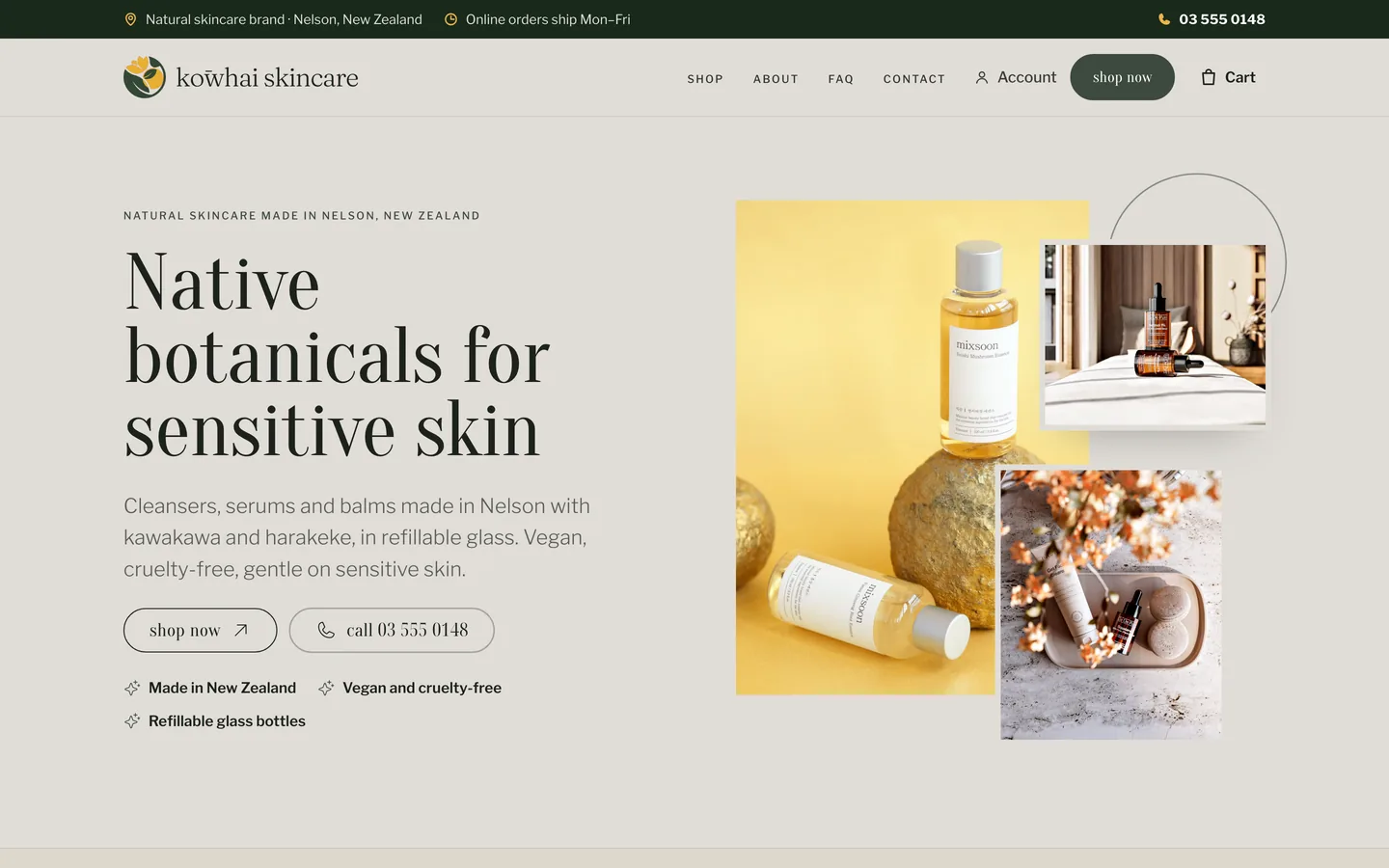
Illustration · Kōwhai Skincare’s brand preset: its description, colours and fonts read from its website, and an email in its brand.
The brand is kept once, and every email starts from it.
A client’s brand preset holds their logo, colours, fonts, business details and description. The AI reads it each time it writes or designs for that client.
Change the preset, and the emails written after it follow.
- Kept once, for each client
- Read by every email written
- Changed in one place
Read from the website, put to use in a press.
Add the website, and its colours, fonts and logo are read for you. Use these colours and Use the website’s fonts put them in the preset.
Generate from website writes the business description. Add the address for the footer, the language and the time zone, and save.
- Colours and fonts read for you
- A description written from the site
- The address for every footer
Your logo and colours on the portal your clients use.
Your brand goes on the portal: your logo, your colours, and your name on the sign-in page.
Your clients see it on every screen, and never see ours.
- Your logo and colours
- Your name on the sign-in page
- Every screen your clients see
Brand work your clients would otherwise pay six places for, unlimited, under your name.
Each line is in the one plan, for every client you bring. On the right, the kind of tool a business usually pays for to get the same job done.
| In SendTo | Instead of |
|---|---|
| A brand preset for every client, kept once | Frontify or Brandfolder |
| Colours, fonts and logo read from their website | A designer’s brand audit |
| A description of the business, written from the site | A copywriter |
| English the way their customers speak it | A local editor |
| Their address in every footer, where the law asks for it | A compliance check |
| Your name and logo on every screen your client sees | A custom build |
| Unlimited clients | One flat fee |
What you might be thinking, answered straight.
“My client has no brand guide.”
Their website is enough. The preset reads its colours, fonts and logo, and writes the description from it. Change anything it found, then save.
“My client’s customers are in New Zealand.”
Write like a local writes English the way they speak it there. American, Australian, British, Canadian, Indian and South African English are there too.
“Does my client have to set it up?”
No. You can set the brand for a client you manage, and they see it as Managed by your provider. A client who runs their own account keeps their own.
“What if a client has two businesses?”
They keep a brand preset for each, and each campaign starts from the one it is for.
“Is there a catch in “unlimited”?”
No cap on clients, and a brand preset for each one. The AI writing that reads the preset is usage, which your clients buy at the rate you set.
“I want to see it before I decide.”
Open the account: no card, and a sample workspace is ready when you confirm your email. Add a website to a brand preset and see what it reads.
Brands, answered
What is a brand preset?
Everything about a client’s brand that an email needs: their name, logo, colours, fonts, business description, address, social links, website, language and time zone. Every email the AI writes and designs for them starts from it.
Where do the colours and fonts come from?
From the client’s website, read for you, or from their logo. Use these colours and Use the website’s fonts put them in the preset, and any colour can be changed by hand.
Who writes the business description?
Generate from website writes it, from the full site or a single page, and your client can change any word. The AI reads it whenever it writes for that client.
What does Write like a local do?
It writes English the way the client’s customers speak it: American, Australian, British, Canadian, Indian, New Zealand or South African.
Why does it need a business address?
It goes in the footer of every email, where the law asks marketing email to carry one.
What else is on a brand preset?
Three more tabs. Campaigns keeps offers to use again, each with who it is for, what they believe and the message. Signatures holds the email signatures. Unsubscribe sets the page a reader sees when they leave the list.
Can a client have more than one brand?
Yes. A client with two businesses keeps a brand preset for each.
Can I manage a client’s brand for them?
Yes. For a client you manage, the brand preset shows as Managed by your provider: they see it, and you change it.
Can I read a client’s websites in one go?
Yes. Read your brands’ websites reads each of a client’s brands in turn and shows what it found, to switch to the website’s colours or keep their own.
Is there a limit?
No cap on clients, and a brand preset for each. The AI writing that reads it is usage, which your clients buy at the rate you set.
Do my clients ever see the SendTo name?
No. Your clients see their brand at your portal, on your domain, under your logo, and every email carries their own name.
Do I need a card to try it?
No. Create your account and a sample workspace is ready when you confirm your email. Sending switches on when you activate.
Brands, and everything else in the hub, unlimited. One plan. One flat fee.
Every client you bring has their brand read once from their own website and used in every email written for them, under your name, with no cap on how many clients. Open your account free and look around a sample workspace.
No contract · Cancel any time · Explore everything before you pay