Your name on every screen, email, film and file. Ours on none.
Your clients sign in at your domain, under your logo, and every email, How-to film and file they meet carries your name. Around it, the platform makes your own brand kit, mascot, website and three films of your brand. All of it comes with your membership, and none of it says SendTo.
Claire opened her account on a Monday. By Friday her clients were signing in at her own address.
A partner’s first week, followed on a sample workspace. The agency and its clients are characters.
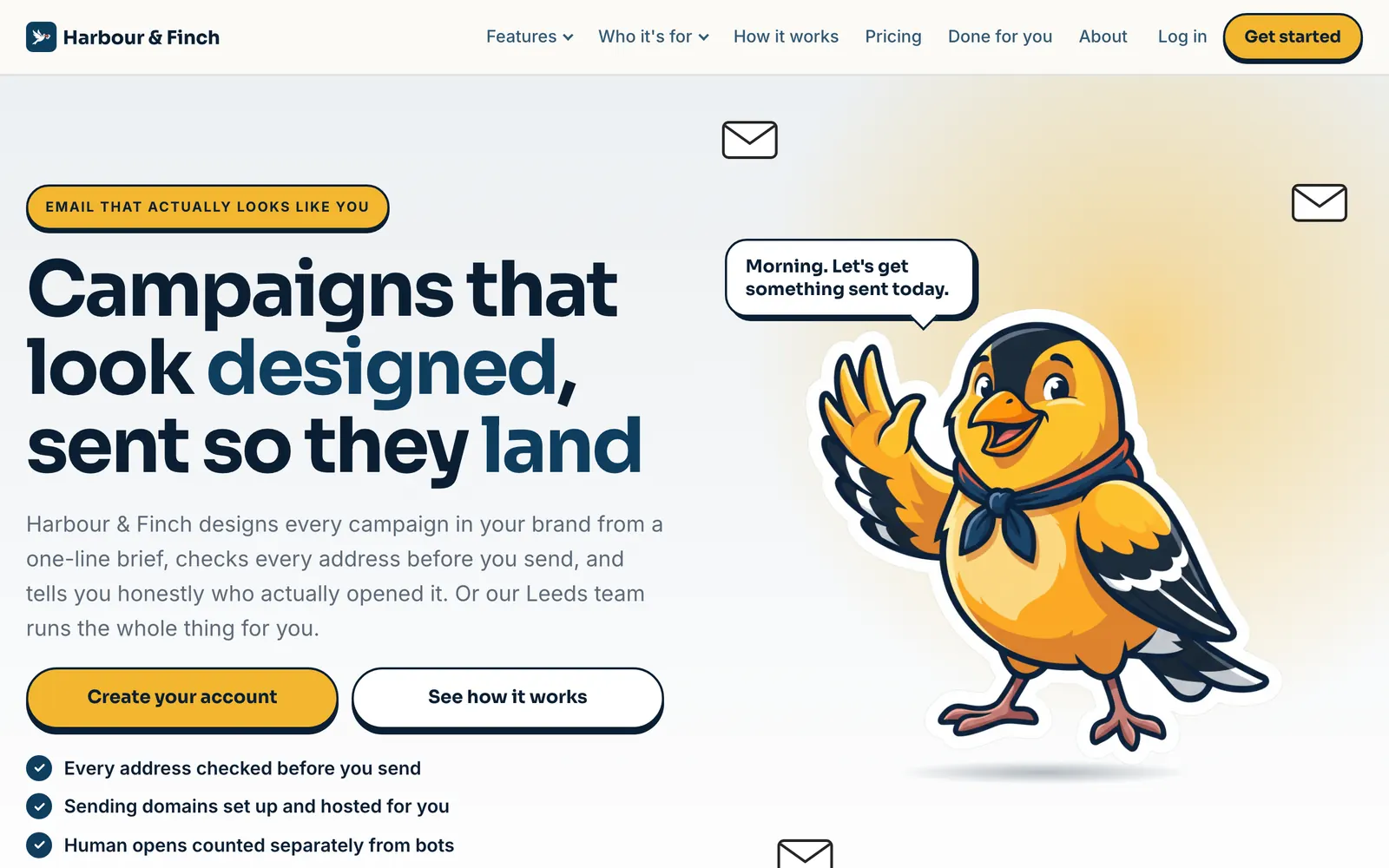
Claire runs Harbour & Finch, a two-person agency in Leeds that looks after the marketing of eleven local businesses. For years her clients logged in to someone else’s email tool, saw someone else’s name, and now and then asked why they were paying her for it.
Monday: a logo, two colours and an address
She uploaded her logo and took the two colours the portal suggested from it. She added portal.harbourfinch.com, put in the records she was given, and her portal was hers: her colours on every button, her logo on the sign-in page, her name on the browser tab.
Then she asked the kit for four icon ideas, picked the bold one, and had her logos, her social headers, her display ads and a brand guide before lunch. She described a goldfinch called Pip, chose the bolder of the three concepts, and got eleven more poses of it.
Tuesday: a website, and films she never made
The website builder asked about her business, drew up three directions and wrote the site from the one she chose: twenty-eight pages, her plans on the pricing page, Pip waving on the welcome. Once it was live, her How-to films began to appear: her own portal, in her colours, with a voice walking her clients through every screen, under a Video Academy in her menu.
When she opened the Media studio, three films of Harbour & Finch were waiting: an ad, a social post and an explainer. She posted the ad that evening.
Her clients met her brand everywhere they looked, and nobody else’s.
Friday: eleven clients, one name
She moved her clients across that week. Each got a welcome from her domain, signed in at her address, and found films of their own screens in her colours when they got stuck. They chose her plans inside her portal, at her prices.
Nobody asked what the software was called. As far as they know, it is hers, because it is.
Your domain, your logo, your colours, on every screen your clients use.
Your clients sign in at one subdomain of yours, such as portal.youragency.com. That one address runs their portal and every email the platform sends them, and the records to add are written for you.
Set your logo, a version for dark backgrounds, your favicon and two colours, suggested from your logo. The engine builds the whole theme from them and checks its own work: tested on ten thousand random brands, body text reads at 7:1 contrast or better on every one.
The theme arrives with the first byte, so nobody sees another colour flash past. The sign-in page, the invitations, the page title and the preview a shared link shows are yours. Even the markup names nothing else.
- One subdomain for the portal and its emails
- Contrast checked for every brand
- Your logo, icon and share image served from your own address
- Your plans and prices, chosen inside your portal
Illustration · one portal in three fictional partners’ brands, sample figures
Illustration · a fictional partner’s welcome email
Every email your clients get comes from you. Most of them you never have to write.
Welcome emails, invitations, password resets and notifications wear your brand: your logo on a white band, loaded from your own address, and a header in your colour. They are sent from your domain, in your name, and nothing goes out from anyone else’s domain, not even before yours is verified.
And your clients hear from you every month without you writing a word. Self-serve clients get eight onboarding emails over their first month and managed clients five, then monthly insights on the 1st: their results, their best campaign and an idea for the next one, with a note from you if you write one. Each is signed off as you, and replies go to the address you choose.
- From your domain, in your name
- Readable in Gmail’s dark mode
- Onboarding and monthly insights, written for you
How-to films of your own portal, in your brand, made for you.
Your clients get a film for each thing they do in the portal: setting up their brand, importing and cleaning a list, planning a campaign, writing a landing page, collecting sign-ups, answering replies, building a website. Each is filmed on your own portal, so every screen in it shows your logo and your colours, with a voice over it.
They are made once your brand is set and your portal is on its own address, with nothing to press. They play in the academy inside your portal and in the Video Academy on your website. They come with your membership and are never charged.
- Filmed on your portal, in your colours
- In your portal and on your website
- Included with your membership
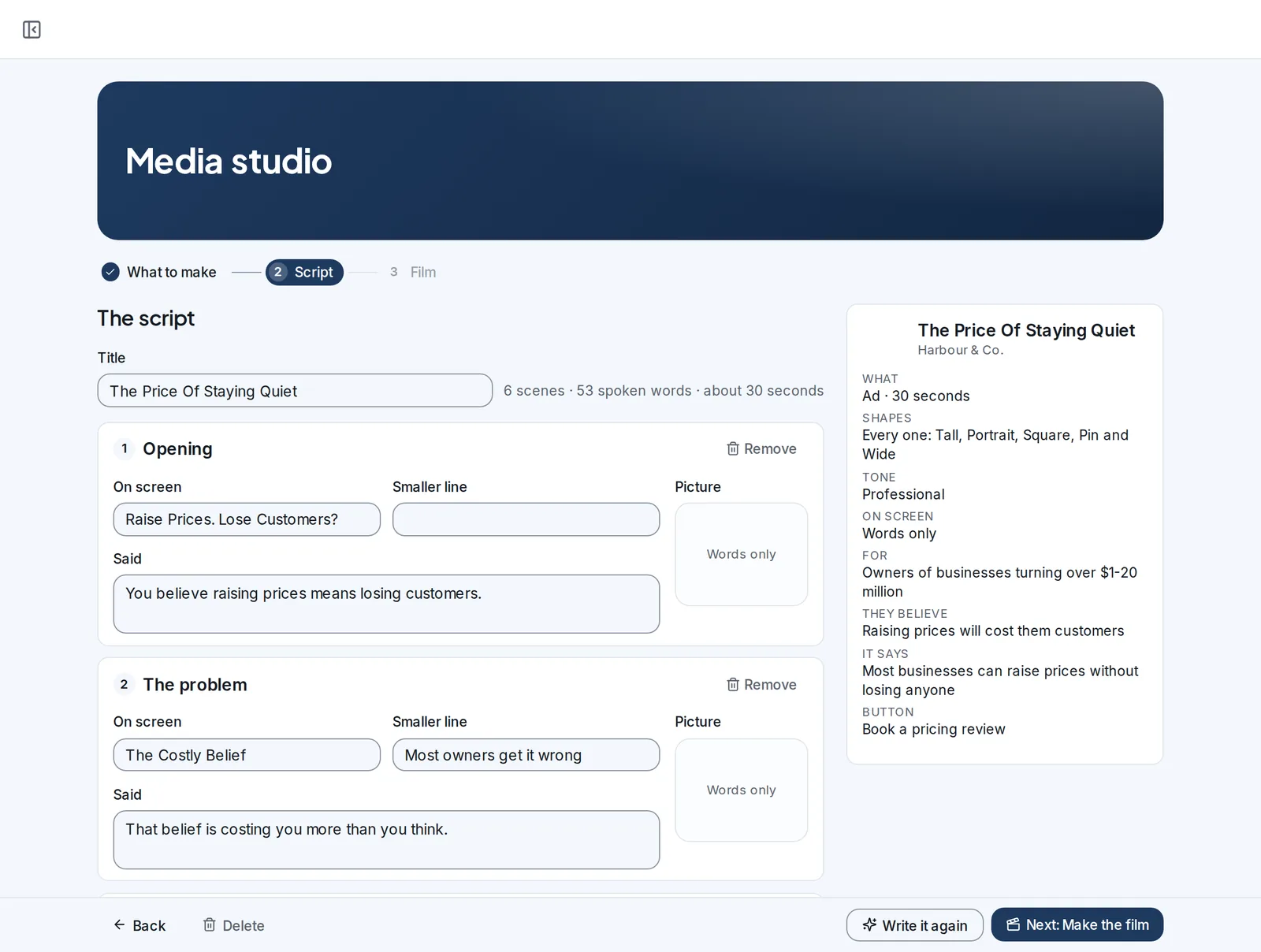
Three films of your own brand, waiting the first time you open the Media studio.
Describe your business and the Media studio writes and makes three films of your own brand, free: a 30-second ad, a 15-second social post and a 60-second explainer. Post them the week you launch.
From there it makes ads, shorts and explainers in any brand you keep, yours or a client’s, in every shape the networks use. Films for your own promotion or for a client are usage, like sending.
- An ad, a social post and an explainer, free
- Every shape the networks use
- Yours, or any client’s brand
Over thirty files, drawn from your logo and colours.
Ask for four app-icon ideas in your colours, or use your initial. From the one you pick, the kit draws everything else: logos for light and dark, the icons, social headers and posts, display ads, an email header, print and a brand guide. Download one, or all of them at once.






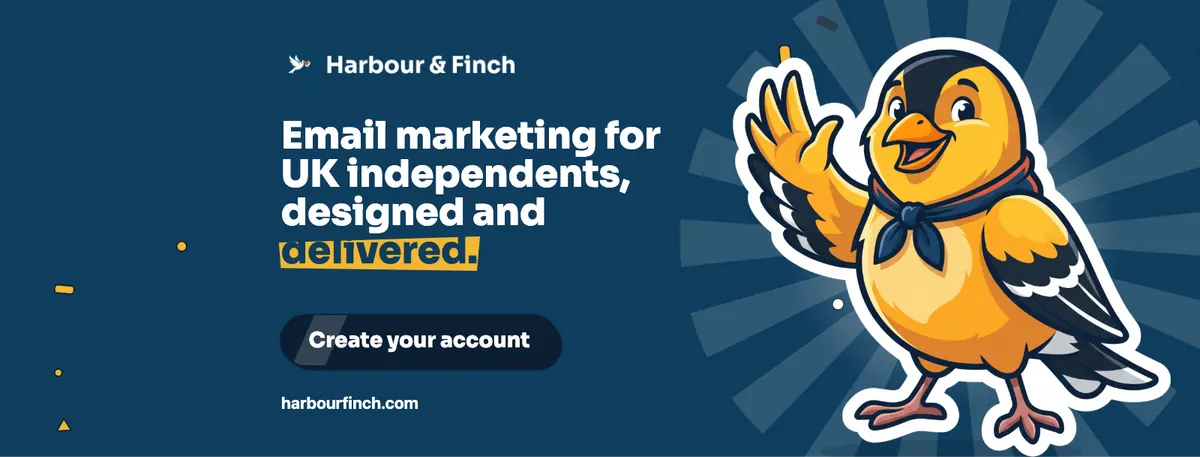
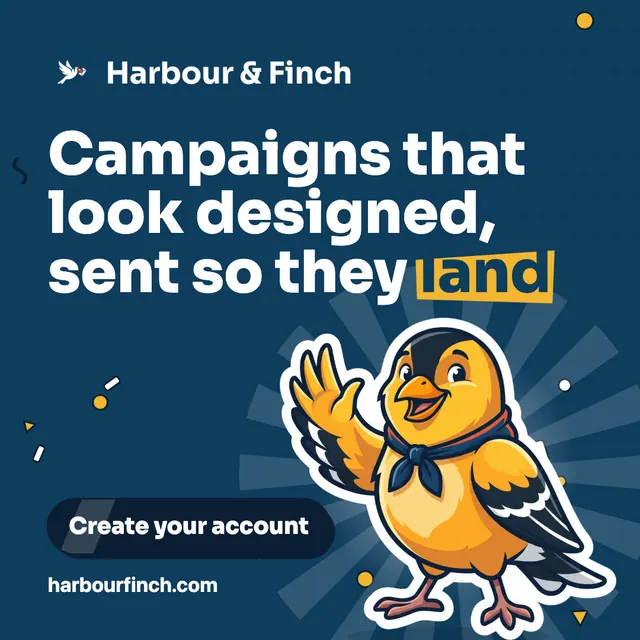
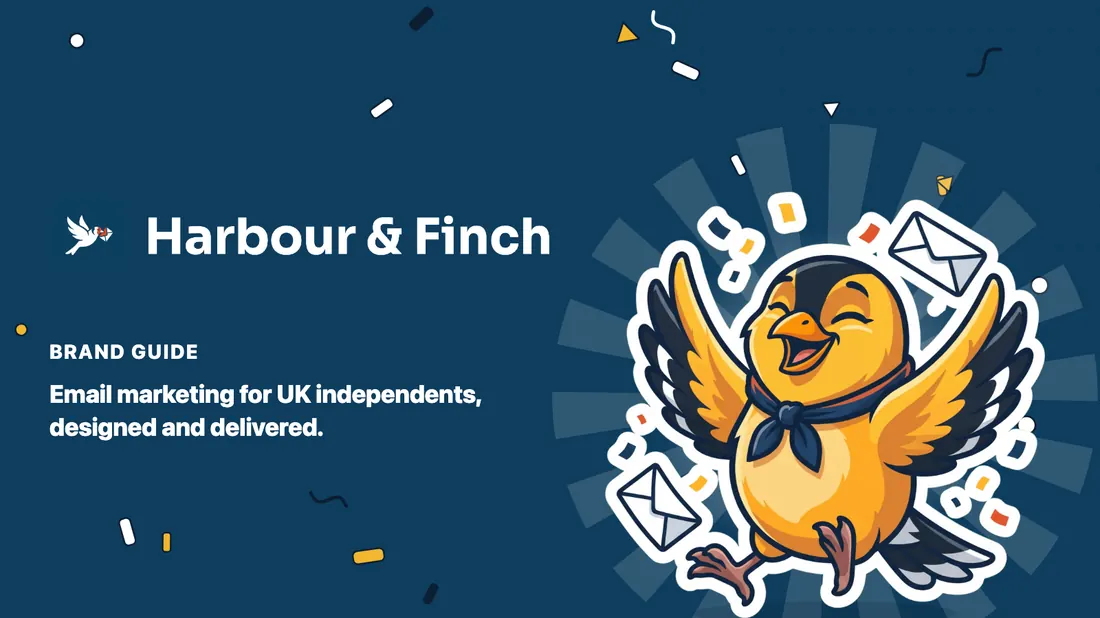
Example · Harbour & Finch is a fictional partner; the product made this, with the tools partners use
Every file, ready to use
Each one downloads on its own, as a PNG or a print-ready PDF, or all of it in one zip. Print files come sized for your country, with bleed.
- Logos, icons and a share image
- Social, ads, email and print
- A brand guide, and Download all in one zip
A character of your own, in twelve poses.
Describe a character: an animal, a person, an object brought to life. Give it a name, a personality and an outfit. The engine draws three concepts in your colours; pick one, and it draws eleven more poses of exactly the same character, from waving hello to celebrating a win.
Your website puts each pose where it means something: the wave on the welcome, the magnifying glass where addresses are checked, the chart beside results. And the kit can draw your icon ideas from its head.
- Three concepts, then eleven poses
- Transparent images, clean edges
- Placed by meaning on your website






Example · Pip is the mascot of Harbour & Finch, a fictional partner
A website that sells your platform, written and designed in your brand.
Answer the questions about your business, choose one of three directions, and approve the plan. The builder writes every page in your voice, designs it in your brand, with your mascot if you have one, keeps the pricing page in step with your plans and publishes it on your own domain.
A typical site is 28 pages: a page for every part of the platform, every industry you serve and every question a buyer asks. Your Video Academy is on it too, and your website comes with your membership.
- 28 pages from one brief
- Six design languages
- Your domain, your name
Example · Harbour & Finch is a fictional partner; the product made this, with the tools partners use
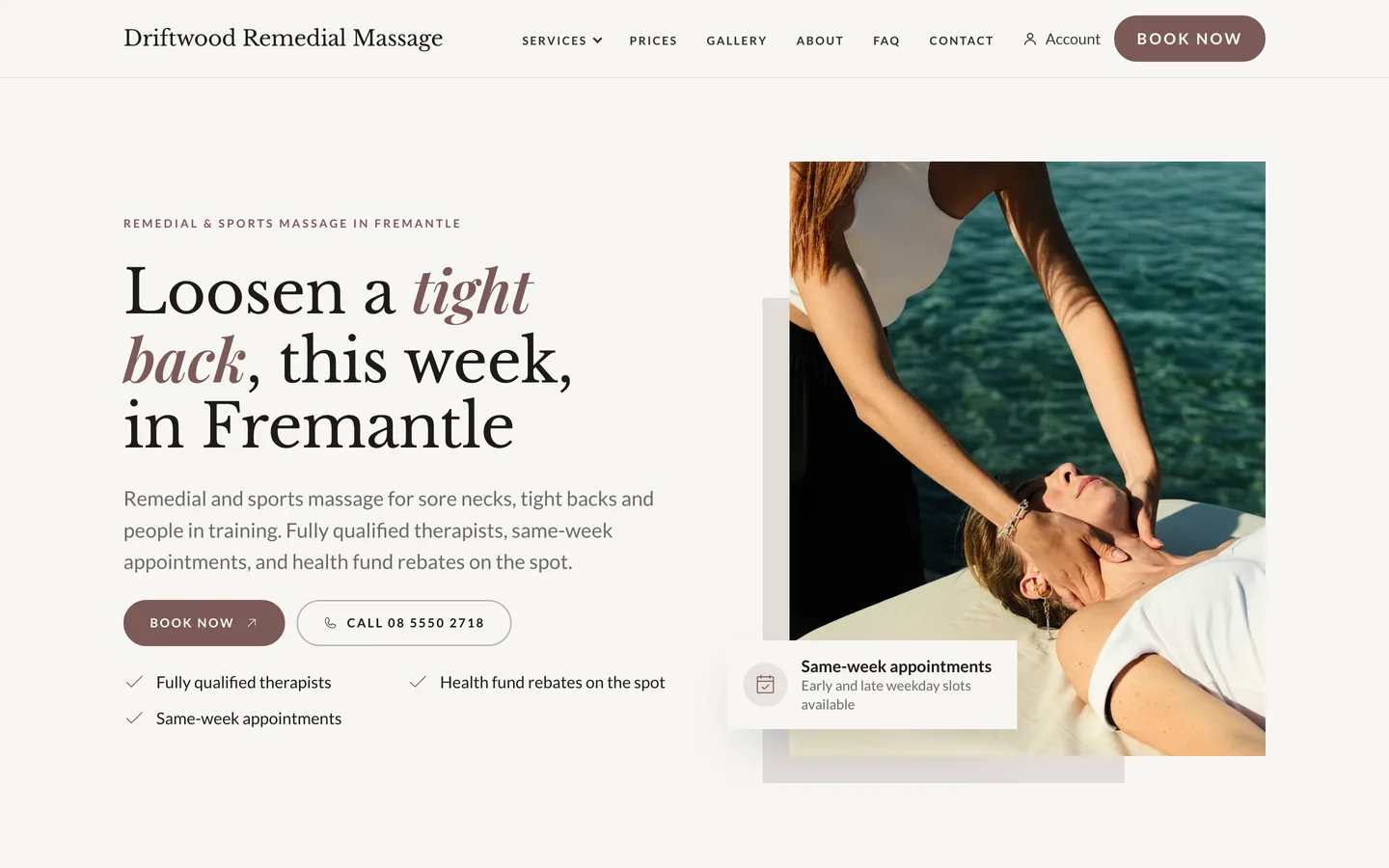
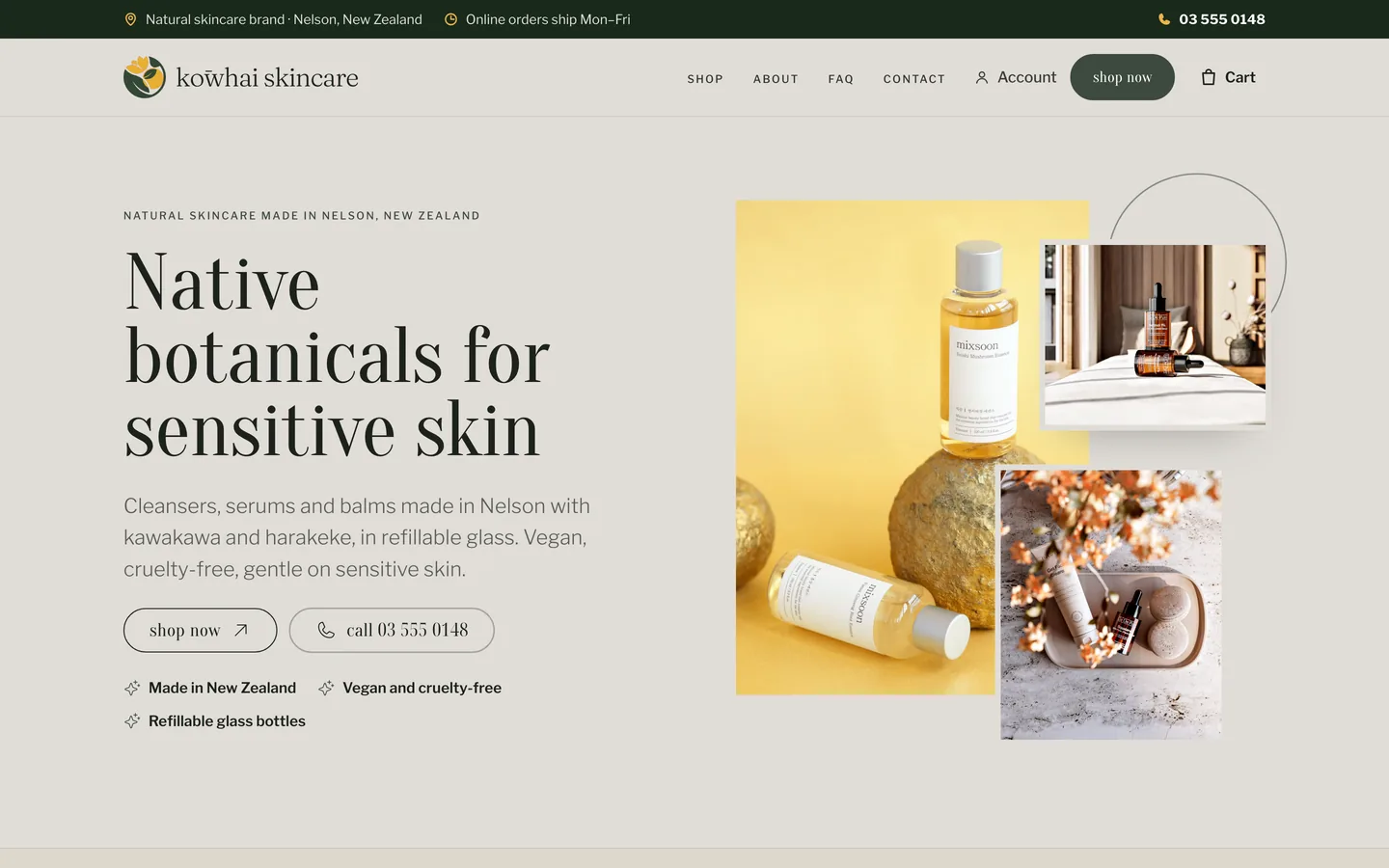
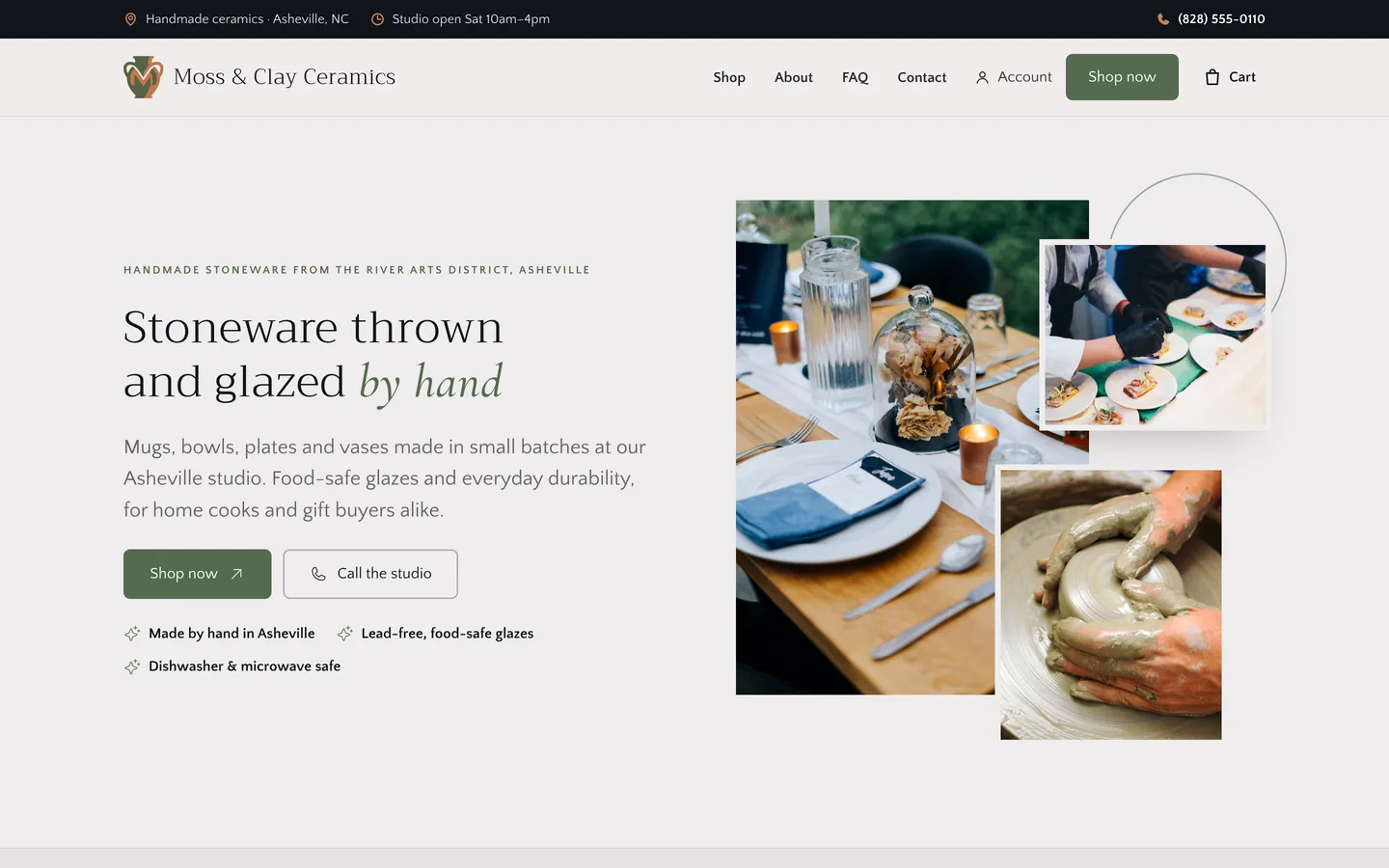
Each a client’s own brand, on a site the website builder made. The businesses are demo data.
And every client’s brand, kept once and used everywhere.
Each client’s logo, colours, fonts and voice are kept once, as their brand. Every email, landing page, website and film made for them uses it, so a client’s campaign looks like the client, while the portal around it looks like you.
Add a client and their brand comes with them: the platform reads it, you check it, and every part of the hub uses it from then on. There is no cap on brands.
- Kept once, for every client
- Used by every email, page, site and film
- Unlimited brands
A whole brand, and everything that carries it, in your membership.
Each line is part of the plan. On the right, what an agency usually pays for to get the same thing.
| In SendTo | Instead of |
|---|---|
| Your portal at your domain, with your logo and colours on every screen | A white-label add-on, or a custom build |
| Every email your clients get, from your domain, in your name | An email developer |
| How-to films of your own portal, in your brand | A video producer and a voice artist |
| Three films of your own brand: an ad, a social post and an explainer | A video studio |
| A brand kit of over thirty files, with a brand guide | A design studio |
| A mascot of your own in twelve poses | An illustrator, paid per pose |
| A 28-page website that sells your platform | A web designer and a copywriter |
| Every client’s brand, kept once and used everywhere | A shared drive of logos and a style guide |
| All of it included | One flat fee |
What you might be thinking, answered straight.
“My clients will work out it’s SendTo.”
Nothing they see names us. The portal, its sign-in page, its emails, the files it serves and even its markup carry your name only, and the How-to films show your portal, in your colours.
“I don’t have a designer.”
Two colours and a logo are enough for the portal and the emails, and the engine checks every colour for contrast. For everything else, the brand kit draws over thirty files from the icon you pick.
“Making tutorial videos would take months.”
You make none of them. The How-to films are made on your own portal once your brand is set, and they come with your membership.
“Branded films must cost a fortune.”
Your first three films of your own brand are free: an ad, a social post and an explainer. Any film after that is usage, like sending.
“What if I change my brand later?”
Save a new logo or new colours and your portal and its emails follow. On your website, a header change goes on every page in one go.
“I want to see it before I decide.”
Open the account: no card, and a sample workspace is ready when you confirm your email. Put your logo on it and see your portal the way your clients will.
Your brand, answered
What carries my brand?
Your clients’ portal and its sign-in page, every email the platform sends them, their How-to films and the files the portal serves. Around that, your own brand kit, mascot, website and films are made in your brand.
Which address do my clients use?
One subdomain of yours, such as portal.youragency.com. It runs the portal and the emails it sends, and the records to add are written for you.
Do my clients’ emails come from my domain?
Yes. Welcome emails, invitations, notifications, onboarding and monthly insights are sent from your domain, in your name, and replies go to the address you choose.
What are the How-to films?
Short films of the things your clients do in the portal, filmed on your own portal in your colours with a voice over it. They play in your portal’s academy and in the Video Academy on your website.
Do the How-to films cost anything?
No. They are made for you once your brand is set and your portal is on its own address, and they come with your membership.
What are the sample films?
The first time you open the Media studio with your business described, it makes three films of your own brand, free: a 30-second ad, a 15-second social post and a 60-second explainer. Films after that are usage.
What is in the brand kit?
Logos for light and dark backgrounds, app icons, a favicon, a share image, social headers and posts, display ads in six sizes, an email header, print and a brand guide: over thirty files, with Download all.
Can I use my own logo?
Yes. Upload your logo, a version for dark backgrounds and your favicon, and your portal and its emails use them. The two colours are suggested from your logo, and you can change them.
Can each client have their own brand?
Yes. Each client’s logo, colours, fonts and voice are kept once and used by every email, page, site and film made for them. There is no cap on brands.
Do my clients ever see the SendTo name?
No. They sign in at your domain, under your logo; every email, film and file carries your name, and they choose your plans at your prices.
Do I need a card to try it?
No. Create your account and a sample workspace is ready when you confirm your email. Sending switches on when you activate.
Your brand on all of it, and everything else in the hub. One plan. One flat fee.
Your clients already know your name. Put it on the platform they use every day, the emails they read and the films that teach them, and they renew with you. Open your account free and put your logo on it this afternoon.
No contract · Cancel any time · Explore everything before you pay