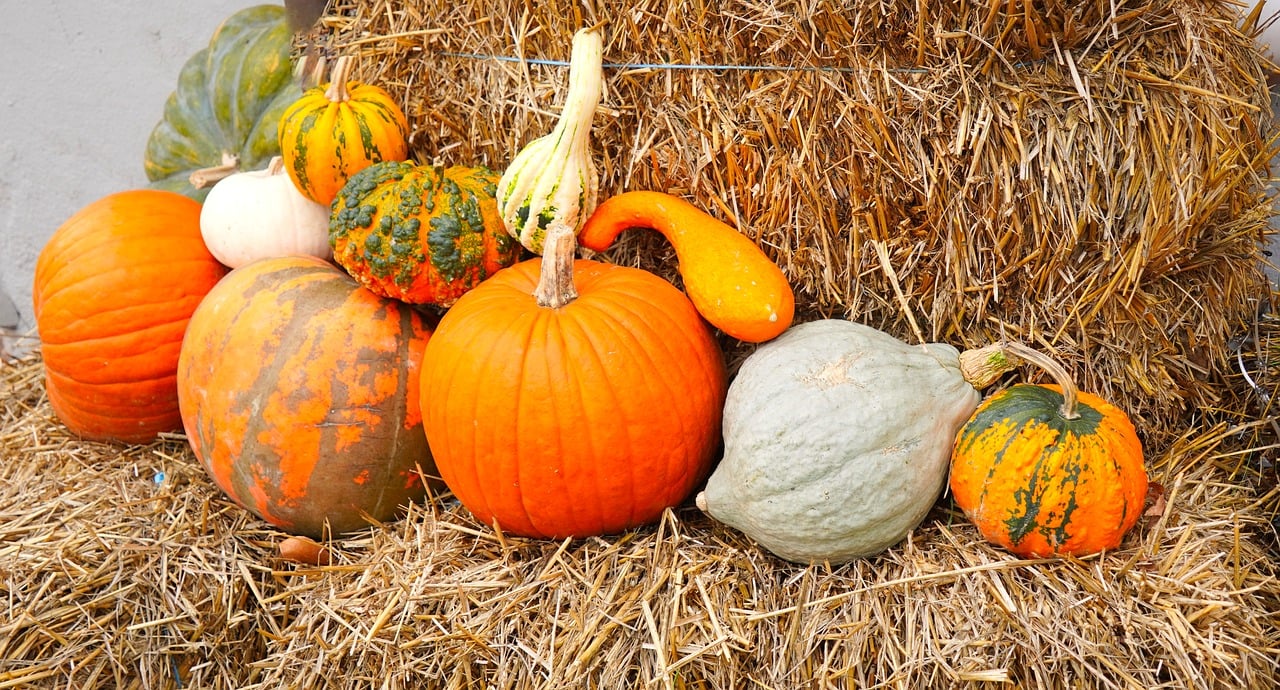
A Halloween email sent on 30 October gives your list one day to act, and it lands next to every other shop's Halloween email. Four planned sends work better. A teaser on Wednesday 1 October, an event invite around Thursday 9 October, a last-chance offer around Monday 27 October and a three-line reminder on the morning of Friday 31 October. If you're after Halloween email marketing ideas for a small business, start with the calendar. The ideas fit around it.
Each send has a second job too. It shows you who is still reading. By November you'll know who clicked, who opened and ignored you, and who hasn't opened anything since summer. That matters because Black Friday falls on 28 November, and you'll want a clean, recently active list that week, not a cold one.
It's Monday 8 September 2025, so you have three weeks before the first send. Below are the steps, with the hooks, subject lines and offer wording for a cafe, a costume shop and a garden centre. For every step you get the action, what you should see, and the mistake to avoid.
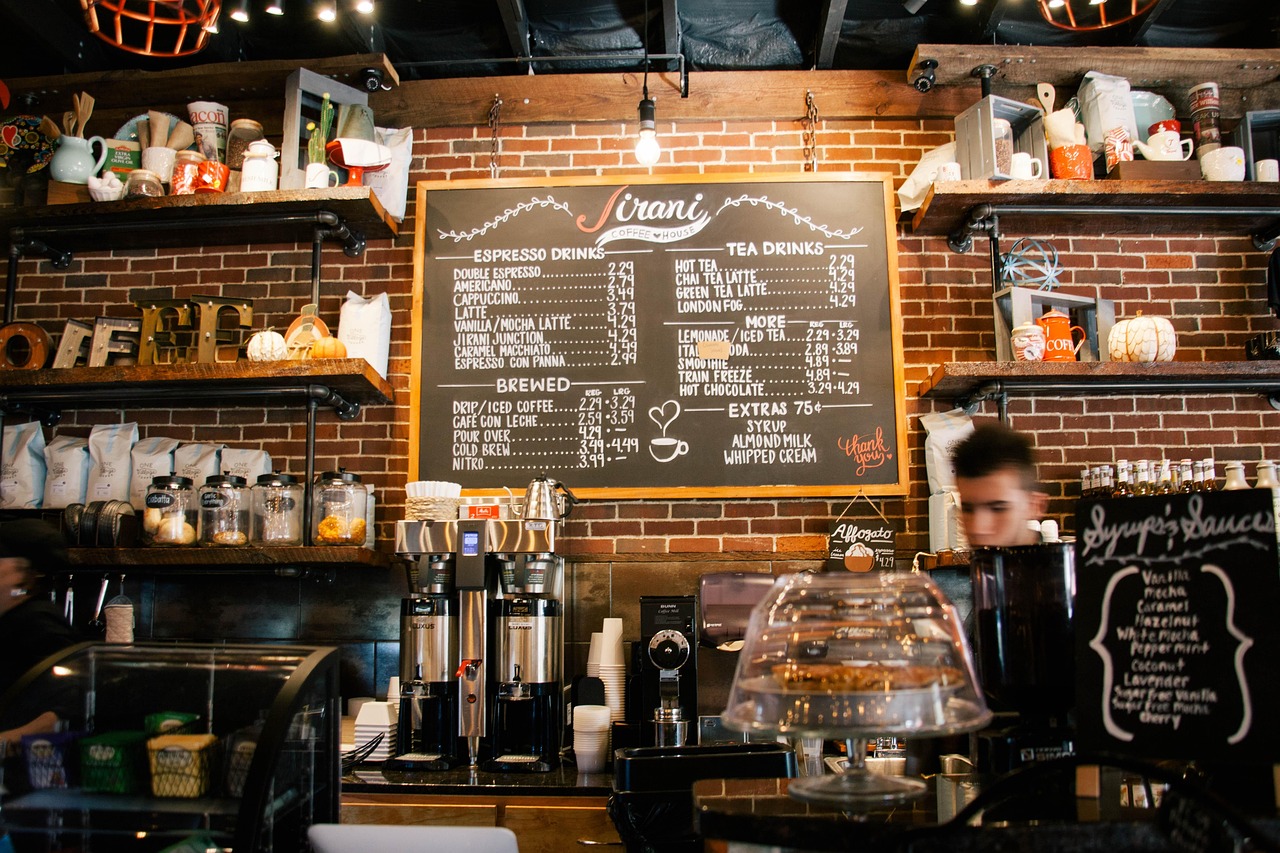
By 31 October you will have sent four emails, posted eight times and built a warm list for Black Friday
Here's the finish line. Four dated emails, each paired with two social posts. A segment of people who clicked at least once in October. A short report showing real opens, clicks and bookings for each send. That segment is your Black Friday list, already warmed up and already used to hearing from you.
This plan is for owners who do their own marketing in between serving customers. Think of a cafe with one or two sites, a costume and party shop, or an independent garden centre. It also suits the freelancer or agency running email for those businesses. You don't need a designer or a big list. A few hundred real addresses is plenty.
Gather these this week, while it's quiet.
- Your list export, from your till system, booking tool, loyalty cards or an old spreadsheet
- One Halloween hook you'll keep for all four sends
- Your event date and how many people it holds, if you run one
- Your offer terms, including what it covers and when it ends
- Six to ten of your own photos, such as last year's pumpkins, the shop window or the seasonal menu
- The sending domain you'll use, and whether it has sent email before
Step 1: Clean and segment the list in September, before October asks anything of it
Clean the list first. Import your contacts, remove the hard bounces and duplicates, and verify every address before anything goes out. If you're sending from a new domain, give it time to warm up. That means sending small volumes first so mailbox providers learn to trust it. If any of those words are new to you, our email deliverability glossary explains bounces, suppression and warmup in plain English.
In SendTo, the import maps your spreadsheet columns for you and picks up where it left off if the upload drops. We check every address before sending and apply suppression across the platform, so people who unsubscribed elsewhere stay unsubscribed. New sending domains get automated warmup, which is one reason September is the right month to start. The domain is ready before the 1 October teaser.
What should you see? A smaller list. A list of 1,200 that comes back as 950 sendable addresses is normal for an address book that hasn't been touched since spring. That's a good result. Those 250 addresses were never going to buy a pumpkin from you, and they were dragging down every send.
Step 2: Pick Halloween email marketing ideas a small business can actually staff, then lock four dates
Pick one hook and keep it for all four sends. The teaser introduces it, the invite fills it, the last-chance email closes it and the day-of reminder sends people through the door. If you change the offer every time, nobody remembers any of them.
So which businesses do best out of Halloween? Costume and party shops, sweet and confectionery sellers, decoration retailers, pumpkin growers and garden centres. Cafes and bakeries pick up trade from seasonal menus and family events. If you're one of these, Halloween is a sales week. If you're not, one light themed email is plenty.
| Send | Date (2025) | Job |
|---|---|---|
| Teaser | Wednesday 1 October | Name the date, ask for one click |
| Event invite | Around Thursday 9 October | Take bookings, resend to non-openers about 3 to 4 days later |
| Last chance | Around Monday 27 October | One offer with a real end date |
| Day-of reminder | Friday 31 October, by mid-morning | Hours, what's on, directions |
Is 1 October too early? No. It's a heads-up, not a sales push, and families plan half-term and party weekends weeks ahead. Is four too many? Not over a month, as long as each one carries something new. And if you don't run an event, send a product or menu feature as the second email. Keep the same four dates.
Cafes: a seasonal menu and a kids' decorating afternoon
Your hook is the autumn menu, plus a biscuit-decorating afternoon on Saturday 25 October for 20 children, with two sittings. Capacity is the point. Twenty places that can sell out give people a reason to book. For the offer, attach it to the event or a new item, such as a free hot chocolate with every decorating ticket. Don't discount the flat whites your regulars already buy at full price.
Costume shops: fitting appointments before the late rush
Offer 20-minute fitting slots on weekday evenings from 13 October. Push group and family costumes, because one booking covers four people. Your urgency is real here. Popular sizes and themes do sell out in the last week, so say so plainly. Something like "Adult medium in our top three costumes usually goes by 25 October" is honest and works.
Garden centres: a pumpkin patch weekend that links to autumn planting
Run a pumpkin-picking weekend on 18 and 19 October, sell carving kits at the till, and have a bulb table next to the exit. That bridge is what keeps your list useful after Halloween. Someone who came for a pumpkin in October is interested in tulip bulbs and winter bedding in November, and that's your Black Friday email.
Step 3: Send the teaser on Wednesday 1 October and ask for one small click
Keep the teaser short. Four or five lines that name the event and the date, one photo, and one link, either "Save the date" or "See the autumn menu". You're not selling yet. You're finding out who's interested.
Subject lines do the heavy lifting here. Good Halloween words include spooky, haunted, treat, pumpkin, cauldron, boo, after dark and frightfully. Use one per subject line, alongside a plain fact. "Pumpkin weekend is 18 and 19 October" works. "Boo, our spooky haunted treat menu is here" reads like a joke and tells nobody anything.
- Cafe: "The pumpkin menu starts Monday, plus a date for the kids"
- Costume shop: "Fitting slots open 13 October, group costumes included"
- Garden centre: "Our pumpkin patch opens 18 October"
What should you see? Some clicks, from a few per cent of the list. Those clickers become your first segment, the people you'll contact first when the invite goes out. The number matters less than having a named group of keen readers by 2 October.
Step 4: Send the event invite around 9 October, then resend to non-openers with a new subject line
This is the email that takes bookings. Send the full invite around Thursday 9 October with a booking or RSVP link. Three or four days later, around Monday 13 October, resend it only to the people who didn't open, with a new subject line.
What goes in a newsletter like this? The same eight things every time, and nothing they have to search for.
- The date
- The start and finish time
- What happens, in two sentences
- Who it suits, for example ages 4 to 10 or groups of four
- Whether it's free or paid, and what's included
- How to book, and how many places there are
- One photo of your own premises or last year's event
- One link
If you need ideas for the event itself, our list of autumn in-store events covers formats that also bring in new subscribers on the day.
For the resend, change the subject line and leave the body alone. If the first one was "Book a decorating place, 25 October", try "20 places for the kids' Halloween afternoon". In SendTo you build segments from past campaign behaviour, so you pick the non-openers from the 9 October send and schedule the resend in a couple of minutes. The same tool gives you clickers and people who opened without clicking, which you'll use in Step 5.
What should you see? Bookings coming in over the first 48 hours, with a smaller second wave after the resend. If the decorating afternoon fills, say so in the next email. A sold-out event is good news, and people want to hear about it.
Step 5: Send the last-chance offer around 27 October to people who clicked, not the whole list
This email is the one that makes money. Send one offer with a real end date on Monday 27 October. Send it first to the people who clicked the teaser or the invite. Then on Wednesday 29 October, send it to the rest of the list, leaving out anyone who has already booked or redeemed. Your keenest readers get first pick, and the wider list still gets a fair chance before the day.
Keep it to one offer, one end date and one link. If the teaser was about pumpkins and the invite was about the pumpkin weekend, this email is still about pumpkins. Readers who skipped the first two will recognise the idea anyway, because it's the third time they've seen it.
One offer per trade, with an end date you'll actually keep
- Cafe: "Order a Halloween cake box by 6pm Wednesday 29 October for collection on Friday." A dozen decorated cupcakes made to order has a real deadline, because you need the time to bake them.
- Costume shop: "Book a fitting by Thursday 30 October and get a free face-paint kit with any family costume." The extra is cheap for you and useful to them, and you keep the full costume price.
- Garden centre: "Carving kit half price with any pumpkin, this weekend only, ending Sunday 2 November." It clears kit stock, and the end date carries buyers into the bulb season.
What should you see? Bookings, orders and redemptions. Opens alone tell you nothing here. Give each offer a code or a booking page of its own so you can count it. A cafe that sells 30 cake boxes from a list of 950 has a result it can plan next year around. A cafe that only knows "40% opened" doesn't.
Should you discount at all with Black Friday a month away? Lightly, or not at all. A free extra, a bundle or an order deadline will move people without teaching your list that waiting gets them a better price. A deep cut on 27 October tells everyone to hold off until 28 November.
Step 6: Send a short day-of reminder on the morning of Friday 31 October
Three lines is enough. Today's opening hours, what's on today, and how to find you or where to park. Add one photo if you like, maybe the shop window or the pumpkin table, and the link to your map listing. That's the whole email.
Halloween falls on a Friday this year, and that matters. People aren't rushing home for school the next morning, so evening plans are easier to make. A cafe can open until 8pm for a hot chocolate stop after trick-or-treating. A costume shop can stay open late for last-minute accessories. A garden centre can promise carved-pumpkin lanterns by the entrance after dark. Whatever you add, put it in the first line.
Write it the day before and use scheduled sending so it lands at about 7.30am, before the school run. In SendTo you set the send time once and get on with Friday, and the platform paces delivery for each mail provider, so the whole list doesn't go out in one burst. Leave it until 11am and it reaches parents who have already made their plans.
What should you see? A small number of opens, a few clicks on the map link, and people at the till saying "I saw your email this morning". Ask the till staff to count those mentions on a sheet of paper. It takes two seconds and it's the only way to measure this send.
The mistake here is a full newsletter on the day, with the menu, the events, a story about your suppliers and three links. Nobody reads that at 7.30am on a Friday. If you can't read it standing at a bus stop, it's too long.
Step 7: Pair every send with two social posts and one in-store prompt so each channel feeds the list
Social reaches people who aren't on your list yet. Email gets the booking. Make the two work together. Post the day before each email to build interest, and again on the day it goes out to point at the same thing. Over four sends that's your eight posts. Every one of them links to your signup page, not just your homepage.
| Day-before post | Day-of post | In-store prompt | |
|---|---|---|---|
| Teaser, Wed 1 Oct | Photo of the first pumpkins or the new menu | "Dates are out, join the list to hear first" | QR code at the till for the list |
| Invite, Thu 9 Oct | Last year's event photo | "Booking is open, 20 places" | Table cards with the event date and QR code |
| Last chance, Mon 27 Oct | Offer item photographed in the shop | "Order by Wednesday 29 October" | Counter sign with the end date |
| Day-of, Fri 31 Oct | Window or display ready for tomorrow | Today's hours and what's on | "Here for Halloween? Get the November list" card |
In store, the QR code goes where people wait. At the till, on cafe table cards, on the costume shop's fitting-room mirror, on the garden centre's pumpkin trolley. It opens a signup form protected against bots, which you can embed on your website or host as a SendTo landing page if you don't have a site. Turn on double opt-in if your list has had junk signups before. It's slower, but every address on the list is real.
Use a separate form or tag for each spot, so you know whether the till or the table cards did better. Our guide to tracking which flyer, menu or poster brought in each signup shows how to set it up in under an hour.
The mistake is a lovely post with no route onto the list. A carved pumpkin photo with 200 likes and no signup link wins you nothing for Black Friday. Likes stay on the social app. A signup stays with you.
Check it worked by counting human opens, clicks and bookings, and fix what didn't before November
Five numbers per send, written into one table on 1 November. Real opens, clicks, bookings or redemptions, new signups and unsubscribes. That's the report. It fits on one page, and it tells you what to do with Black Friday.
Be careful with opens. Business email security tools open messages to scan the links, and some phones load images automatically, so raw open rates look higher than the real thing. SendTo's reports leave out security scanner opens, so the figure you see is people. For the full picture, read how to track real open rates when scanners and privacy features inflate them. Clicks and bookings are the harder evidence, so weigh them more.
| What you see | What it means | Fix it |
|---|---|---|
| Low opens | The email isn't trusted or isn't recognised | Use your shop's name as the sender, and check your domain health and warmup |
| Opens, few clicks | The one link was weak or buried | Put a single clear button near the top, saying what happens next |
| Clicks, few bookings | The landing or booking page loses people | Cut form fields, show the date and price, make it work on a phone |
| Rising unsubscribes | Too frequent or too similar | Leave out people who booked, and change what each send says |
People ask what email marketing strategies work for a small shop. This report is the honest answer. Plan your dates, keep to one offer, segment by what people did, and measure bookings rather than opens. None of it is clever. It works because each send teaches you something before the next one goes out.
Build the 28 November list from October's clickers
Once the report is done, build three segments in SendTo from October's campaign behaviour. First, anyone who clicked at least one of the four sends. Second, people who opened without clicking. Third, people who opened nothing at all. The clickers get your Black Friday email first, on the morning of Friday 28 November. The openers get it later that day. The non-openers get one short message in mid-November asking if they still want to hear from you, and anyone who stays silent stops getting emails.
That's the second job each send was doing. Interest in email marketing peaks in November and December, and inboxes fill up to match. You go into that month with a list that has opened and clicked in the past four weeks, and that history is what mailbox providers look at when they decide what reaches the inbox.
Agencies can run this plan for every local client from one template
If you run email for a cafe, a costume shop and a garden centre, you don't need three plans. You need one plan with three sets of hooks. In SendTo, you set up a brand preset for each client with their colours, logo and tone. The platform designs the HTML email from a short brief in seconds, and an AI reviewer checks subject lines, links and basic compliance before anything goes out. You clone the four-send calendar per client, swap the hook and the offer, and schedule all of it in September.
Each client sees human opens, clicks and bookings in their own client portal, under your agency's name and at prices you set. You get the partner view across all of them, so you can see on 1 November which client's invite underperformed and fix it before Black Friday. Address checks, domain warmup and sending pace come with the platform, so October goes on the work clients pay you for. There's more detail in our review for agency owners, and current plans are on the pricing page.
Here's what to do this week. Export the list, choose the hook, and put 1 October, 9 October, 27 October and 31 October in the diary. Four planned sends beat one rushed blast on the 30th, and they leave you with a list that's ready for 28 November.
If you write about marketing tools or advise agencies, SendTo's affiliate programme pays you 20% of the partner subscription each agency you refer pays SendTo, every month it keeps paying. You never earn a share of what that agency's own clients pay it. Attribution lasts 90 days from the first click, the first touch wins, and commission is paid monthly by PayPal.
Recommend SendTo to the agencies you work with and earn 20% of their partner subscription every month they pay.
Join the SendTo affiliate programme