
SendTo is an email marketing platform that a print shop can run under its own name, selling monthly email campaigns to the trade clients who already come back for business cards, menus and banners. Day to day, the platform designs, checks and sends the emails, and you bring the client relationship. It suits print shops and sign makers with a steady base of repeat local business clients, and it suits them better than they tend to expect.
This review rests on one argument. A shop that already holds its clients' logo files, colour values, fonts and past design briefs has most of what an email agency needs. White label email marketing for print shops works because the hard technical parts, from the mail servers to the sending reputation, are handled by the platform. What the platform won't do is decide what each client should send and when. So the shop only makes money if someone on staff owns client strategy, and we'll show exactly where that line falls.
It's Monday 1 September 2025. Q4 is close. Public interest in email marketing peaks in November, December and January, so a shop that starts this month has its domains warmed and its first clients sending before the Christmas rush. Below you'll get setup, design, deliverability, forms, reports, the pricing model, where SendTo falls short and who should buy it. We're reviewing our own platform, so we name the weak spots as plainly as the strong ones.
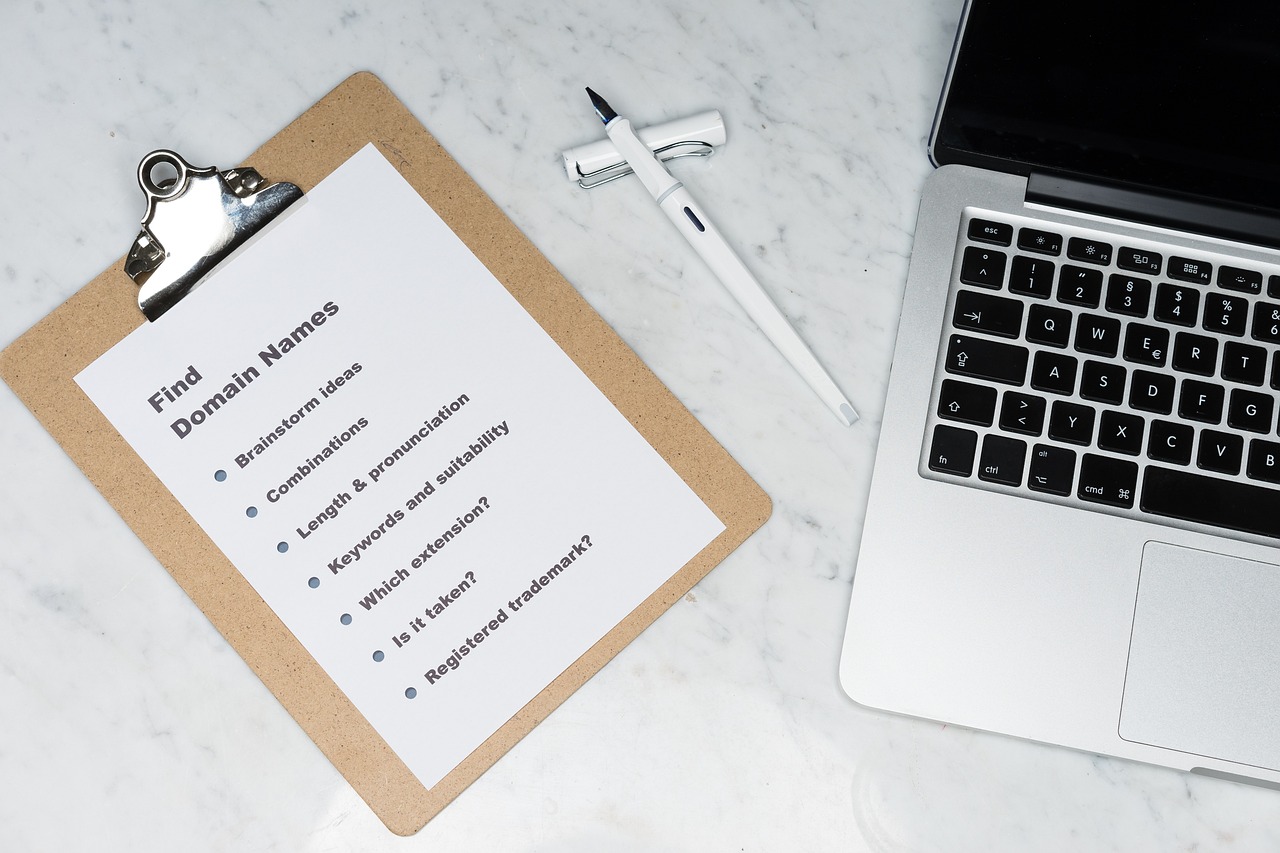
SendTo lets a print shop sell email under its own name, if someone owns the strategy
Your clients log into a portal with your shop's name and branding on it. You get a partner view for running every account, and each client gets their own client portal for approving campaigns and reading reports. The platform behind it is SendTo, but the product your café, salon or estate agent pays for is yours. You set the monthly price, and you own the relationship.
No developers are needed. You need two people, and in a small shop they're sometimes the same person. The first is someone who knows artwork and can judge whether an email looks right for a brand, which describes your designer already. The second is someone who can own account strategy. That person sits down with the florist in October and agrees a Valentine's pre-order email for late January, then chases the approval.
That second role decides whether white label email marketing for print shops turns into recurring income or a forgotten login. A print job arrives with a brief. An email programme needs someone to write the brief every month. If nobody in your shop wants that job, the rest of this review matters less.
Setting up the branded portal is quick, connecting sending domains takes the patience
Day one is the easy bit. You add your shop's name, logo and colours to the portal, then create your first client account. We'd start with the client you know best, the one who reorders flyers every season and answers emails the same day.
Next comes the client's list. You upload their spreadsheet and the import maps the columns for you, so a sheet with headings like "Name", "E-mail" and "Shop" lands in the right fields without you matching them by hand. If your connection drops halfway through a large file, the upload resumes from where it stopped. Platform-wide suppression applies on the way in, so addresses that have unsubscribed or been blocked stay blocked even if they turn up again on a fresh spreadsheet.
Then the waiting starts. Each client's sending domains need DNS records added where the domain is registered. SPF lists the servers allowed to send for a domain. DKIM adds a signature that proves the email wasn't altered. DMARC tells inbox providers what to do with mail that fails those checks. Once the records are in, new domains go through automated warmup, which means sending volume rises gradually over the first weeks so inbox providers learn to trust the domain. You can't send a client's full list on day three, and you shouldn't promise one.
Compare that with reselling a generic self-serve email tool. Setup there is faster, but your client logs in and sees another company's name. They can sign up direct next month and cut you out. With SendTo the brand on the portal is yours, and the slow DNS week is the price of that.
What a print shop already has that makes onboarding faster
Your artwork folder is a head start. The logo files, exact colour values and fonts from past print jobs become brand presets on day one, so the first email design already matches the shop sign and the business cards. A digital agency starting cold spends a meeting collecting that. You've had it on file since the client's last reorder. Convert print colour values to their screen equivalents before you enter them, because a CMYK green rarely looks the same on a phone.
AI designs from brand presets are the feature that fits a print business best
You type a campaign brief, something like "autumn menu launch, two new dishes, book a table this week", and SendTo turns it and the client's brand presets into a finished HTML email in seconds. If the layout isn't right, one click remixes it into a different arrangement using the same content and brand. That means you can show a client a finished design during the first call, while you're still talking about their autumn offer, and not three days later as a proof attached to an email.
For a print shop, that's the moment the sale happens. Your clients already trust you with their look. Seeing their own colours and logo in a working email on your screen turns "we should do email at some point" into a monthly arrangement.
The habit to drop is designing the email in your usual print design software and exporting it as a single picture. It feels natural because the tools are familiar. But sending a promotional email as one big image breaks in the inbox. Many mail apps block images by default, so the reader sees a blank box. Screen readers get nothing, and spam filters treat image-only mail with suspicion. HTML text reflows on a phone. A flattened A4 layout doesn't.
The weakness is plain. The AI design is only as good as the brief and the presets behind it. A vague brief gives a generic email, and the layouts follow proven email structures, so a designer who wants a one-off, hand-built showpiece will feel boxed in. Your designer still checks every draft against the brand the way they'd check a proof before it goes to press.
The built-in AI reviewer catches mistakes before a client sees them
Before launch, an embedded AI reviewer checks the subject line, structure, language, links, alignment and basic compliance. It flags the broken booking link, the subject line in capitals and the missing unsubscribe route before the client spots them. Think of it as preflight for email, the same way you check bleed and resolution before a job goes to the press.
Deliverability is handled for you, which matters because no print shop employs an email engineer
Four jobs run behind every send. Addresses are verified before sending, so invalid and dead mailboxes are removed before they bounce and damage the sender's reputation. New domains get automated warmup. Send speeds are set per provider and per domain, which means the platform paces how fast mail goes to each inbox provider so none of them sees a sudden flood. And campaign volume is spread across several brand-matched sending domains, so no single domain carries the full load.
That last point answers a question clients ask. Companies send from secondary domains so their main website domain isn't put at risk. If a campaign draws complaints, the damage lands on a sending domain that looks like the brand, not on the domain the client uses for invoices and quotes. Spreading volume across several of them keeps each one sending at a pace inbox providers trust.
The alternative is running your own SMTP server, the software that hands mail over to inbox providers. It's cheap to start and endless to keep up. You'd be monitoring blocklists, managing IP reputation and answering bounce reports, and that's a full-time job for someone your shop doesn't employ. A single shared domain has the opposite problem, because one careless sender drags everyone's delivery down. When clients start using words like "blocklist" or "soft bounce", keep our list of deliverability terms clients ask about to hand.
There's a limit here too. List cleaning is legitimate, and verification removes addresses that don't exist. It does not make an old list safe to use. A salon's 2019 spreadsheet of past customers can be made up of real, valid addresses belonging to people who never agreed to marketing email. They'll mark it as spam, and no platform fixes a client's poor list hygiene after the fact.
Signup forms and hosted landing pages connect the shop's print work to email
This is where a print shop has an edge no digital agency can match. You already print the flyers, menus, banners, window vinyls and shop signs. Add a QR code to each one that points to a hosted SendTo landing page with a signup form, and a client without a website still collects email addresses from the day the job goes out.
The forms are protected against bots, so a sign in a busy high street doesn't fill the list with junk entries. You can embed them on a client's site or host them on a landing page, and you can switch on double opt-in, which sends a confirmation email so only people who click the link join the list. For a café with a QR code on every table, double opt-in costs a few signups and gives a cleaner list.
Give each printed piece its own code or its own landing page, and you'll see which one earns its place. Our guide to tracking which flyer or poster brought in each signup walks through the setup. It also gives you a reason to reprint, because a client who sees the window poster beat the counter flyer orders more posters.
Consent is still the shop's job, and the client's. The form records who signed up, but you decide what the wording promises and whether it meets the rules where your client trades. Work through this consent checklist for signup forms and imported lists before the first QR code goes to print.
Reports show real human opens, so clients stop asking why the numbers jumped
Security scanners open emails before people do. Workplace mail filters and some inbox providers fetch every image and link in an incoming email to check that it's safe. Each fetch registers as an open, and sometimes as a click. SendTo leaves those scanner opens out. The report in the client portal shows opens, clicks and bookings from real people. Your partner view shows the same numbers across every client you run. When you test two subject lines or two layouts, the results for each version sit side by side.
For a print shop, the useful part is what you do with those numbers next. You can build segments from past campaigns: people who clicked, people who opened but didn't click, and people who never opened. Say the estate agent's autumn valuation email goes out on a Tuesday. A week later you send a follow-up with a different headline, but only to the people who opened and didn't click. The non-openers get a new subject line, or you leave them alone for a month. That second send takes a few minutes to set up, and the client sees it as extra service.
Tools that report raw opens look more generous, because every scanner hit counts as a reader. Our guide to inflated open rates explains where those extra opens come from. It also covers why privacy features in some mail apps push the figure up even further.
The weakness here is how a client reacts. Honest numbers look lower than the ones a client got from their old tool, and a salon owner who was told 60% of people open their emails won't enjoy seeing a smaller figure. Nothing is broken. The old figure counted machines. But you have to say so before the client decides the new service is worse.
Price and plans: one flat partner fee, and you set what clients pay
Billing has three parts. You pay SendTo one flat partner subscription. You charge each client a monthly fee that you set yourself. The client then buys their own sending usage on top. So the café that sends to 400 people and the estate agent that sends to 9,000 aren't costing you the same out of one fixed fee. Each pays for what they send, and a busy December for one client doesn't come out of your margin.
We don't put figures in reviews, because prices change and an article doesn't. You'll find the current partner plans on the pricing page.
Compare that with how a print shop earns now. A job is one-off revenue. The café reorders menus twice a year, the salon orders price lists when the prices change, and the trades firm orders van graphics when it buys a van. In between, those clients pay you nothing. An email programme bills every month between reorders, so the appeal is recurring income from clients who already come back. We won't tell you what you'll earn. That comes down to the fee you set, how many clients sign up and how long they stay. Do the sums yourself before you start: the partner fee on one side, the client fees you plan to charge on the other, and the hours your strategy person will spend on each account.
Where SendTo falls short for a print business
SendTo doesn't plan. It won't build the florist's sending calendar. It won't decide whether the pizza place leads with a two-for-one or the new winter menu, and it won't notice that the salon hasn't sent anything since July. The platform designs, checks and sends whatever brief it gets. Choosing what goes in that brief, and when, is still your job every single month.
That job has more parts than you'd think. Someone writes the briefs. Someone sends the draft to the client and chases the approval when it sits unread for four days. Someone handles the client who wants five emails a week to a list of 300 people. That's a fast way to burn through the list in unsubscribes and spam complaints, and talking them down to one good send a fortnight is a conversation the software can't have for you. In a print shop, that work competes with proofs, press checks and collections at the counter.
It doesn't replace consent either. Verification confirms that an address exists. A form records who signed up. Neither of them makes it acceptable to email a list of people who never agreed to hear from your client. The rules, the wording and the judgement stay with you and the client.
And it doesn't turn a print counter into a marketing team. You get the production and the sending. You don't get the planning, the copy instincts or the client management. If you have nobody who enjoys that work, the platform will sit there doing nothing, and you'll still be paying for it.
One more limit is simple. A shop whose customers are almost all one-off walk-ins has nobody to sell a monthly service to. The student printing a dissertation and the couple ordering wedding invitations won't sign up for a retainer. White label email marketing for print shops only works on top of trade clients who already reorder.
Who should buy it and who should look elsewhere
Buy it if your order book is full of repeat trade clients. That means cafés reordering menus, salons with seasonal price lists, trades firms with vans and yard signs, and estate agents who go through window cards and board signs every month. You also need a designer on staff who can judge an email the way they'd judge a proof, and one person who'll own account strategy and has the hours to do it. With those three in place, you already hold the artwork, the trust and the reorder habit. SendTo supplies the platform, the sending and the portal with your name on it.
Look elsewhere in three cases. Each one has a better answer.
- You only want to send your shop's own newsletter: a plain self-serve email tool is simpler. You don't need a partner portal, client billing or brand presets for a single list.
- You have no repeat clients: keep selling print. Put your marketing effort into winning trade accounts first, and come back to email once you have clients who reorder.
- You want to run your own mail servers: a self-hosted mail server, or a sending service you connect to through code, gives you every setting. It also gives you the blocklists, the bounce handling and the reputation work. SendTo handles all of that, so it isn't the tool for anyone who wants to do it by hand.
There's a middle case too. A shop with a handful of trade clients and no spare hours should start with one client, not ten. Run the café you know best for three months, learn how long a brief and an approval really take, then price the next client using what you learned.
Verdict
SendTo is a strong fit for a print shop or sign maker with a base of repeat trade clients, a designer who knows their brands and one person who'll own the strategy. Brand presets built from your artwork folder, an HTML design you can show in the first call, QR codes on your print work that feed hosted signup pages, and deliverability that's handled without an engineer on staff. Together they let you sell a monthly email product under your own name without writing a line of code. The slow parts are real. Domains take time to set up and warm, honest open rates need explaining, and consent stays your responsibility.
For everyone else, it's a poor fit. If nobody on your staff will write briefs and chase approvals, or your customers walk in once and never come back, this platform has nothing to work with. September is a good month to start if you're in the first group, because the warmup finishes in time for November and December, when interest in email marketing peaks.
Know a print shop, sign maker, agency or freelance marketer this suits? Refer them to SendTo and you'll earn 20% of the partner subscription they pay SendTo, every month they pay it. You never get a share of what their own clients pay them. Attribution lasts 90 days from the first click, the first touch wins, and commission is paid monthly by PayPal.
Join the SendTo affiliate programme