Seven plain posts will do more for a bakery, cafe or corner shop this Easter than one designed graphic. Each post answers one question your local customers already have. When are you open? When do I have to order by? What's fresh? What should I get? Is there any left? A graphic tells people it's Easter, and they know that already. The seven posts get them through your door before you close for the holiday.
It's Wednesday 9 April 2025, so the clock's running. Good Friday is 18 April, Easter Sunday is 20 April and Easter Monday is 21 April. Easter Monday is a bank holiday in the UK and Ireland but a normal working day in the US, so your hours post depends on where your counter is. That leaves just under two weeks to get the right posts out in the right order.
Below you'll find seven formats, each laid out the same way. You get what it is, why it earns its place and one concrete detail, such as a date, a time, a caption or a crop. The captions are in quotes so you can copy them. Later on there's a three-post shortlist for each type of business, a day-by-day calendar, and a way to turn two of the posts into short emails to your customer list. If you're an agency or freelancer posting for local clients, the whole set works as a ready-made Easter package you can run for each one.

Why seven plain posts beat one polished Easter graphic this year
Search for easter social media post ideas small business owners can use and you'll mostly find egg hunts, contests and themed brand makeovers. Those suit online shops with a design team. A shop with one counter and two ovens needs posts that sell this week's buns.
So here's the promise. Seven formats, each one quick to film or type on your phone, each tied to a date between today and Easter Monday 21 April. None needs design software. None needs a budget. Every one answers a question someone would otherwise ring you to ask, or would never ask, and then would just go somewhere else.
A single designed graphic gets one burst of attention on the day you post it. It says "Happy Easter" in pastel and answers nothing. A run of useful posts keeps your name in people's feeds for the full fortnight, and each one gives a follower a reason to act. That's the plain answer to what a business should post on social media at any holiday. Post the thing your customers need to know, at the point they need to know it.
How often should you post? One feed post a day at most, plus stories when you've got something new on the shelf. Seven posts across thirteen days averages out at roughly one every other day. That's well under the point where followers get tired of you. They don't get tired of useful posts anyway. They get tired of posts that repeat themselves.
1. Opening hours posts stop the phone ringing on Good Friday
The cheapest post you'll make this Easter is also the one people need most. It's a plain text post or a photo of your door sign listing your hours for each day from Thursday 17 to Monday 21 April. Include the days you're shut. "Closed Easter Sunday" is as useful as any opening time, because it stops a family driving over on Sunday morning to find the shutters down.
It earns its place because holiday hours are the local question that comes up first, every year, in every trade. Nobody saves a post because it's pretty. They save it because it tells them whether they can pick up a cake on Saturday afternoon. Writing it takes five minutes, and it saves you a day of answering the phone.
Here's a caption you can copy and edit.
"Easter hours. Thu 17 April 7am to 5pm. Good Friday 18 April 8am to 2pm. Sat 19 April 7am to 4pm. Easter Sunday closed. Easter Monday 21 April 9am to 1pm. Back to normal hours Tuesday 22 April."
Post it twice, on Monday 14 April and again on Thursday 17 April, and pin it to the top of your profile. On the same day you post the first one, update your Google Business Profile with special hours for each day. People searching "bakery near me open Good Friday" see your Google listing before they see your feed. If your post says 2pm and Google says 5pm, someone turns up at 3 and gets a locked door. That one bad trip costs you more than the post earned.
2. Pre-order deadline posts turn browsing into booked orders
A countdown post names the exact cutoff and nothing else gets in the way. "Hot cross bun and simnel cake orders close 5pm Wednesday 16 April." One line, one date, one time, one link to order.
This is the most effective holiday campaign a local business runs, and it's not because of any trick. Bakeries and cafes sell out. You can only fit so many simnel cakes in the oven between now and Saturday. A deadline is honest scarcity, because it reflects a real limit on what your kitchen can make. Customers respond to it because it's true, and you get your order numbers early enough to plan the bake.
When should you set it? For Easter 2025, Wednesday 16 April at 5pm gives you Thursday and Friday morning to bake and box orders for collection on Good Friday or Saturday. If you make celebration cakes that need more lead time, close those orders on Sunday 13 April and keep the buns open until Wednesday.
Post the deadline three times, at 72 hours, 24 hours and 3 hours before cutoff. For a 5pm Wednesday close, that's 5pm Sunday 13 April, 5pm Tuesday 15 April and 2pm Wednesday 16 April. Keep the wording close each time so people recognise it.
- 72 hours out: "Easter pre-orders close 5pm Wednesday. Hot cross buns by the half dozen, simnel cakes in two sizes. Order link in bio."
- 24 hours out: "Pre-orders close tomorrow at 5pm. Collection Good Friday or Saturday morning."
- 3 hours out: "Last three hours to order your Easter buns and cakes. Closes 5pm today."
Every one of those posts points to a single link, whether that's an order form or a hosted landing page with the menu, collection slots and payment. Don't split it across a DM, a phone number and a form, or orders will arrive in three places and you'll miss one. A hosted page with a bot-protected form keeps them in one list. Our landing pages review covers whether a hosted campaign page holds up for this kind of short job.
3. Behind-the-counter clips show the work that justifies the price
Ten to twenty seconds of vertical video showing the work. Icing eggs. Brushing glaze on a tray of buns. Packing gift boxes with tissue. Restocking the chocolate shelf at 7am. No talking needed, no voiceover, no music licence to worry about.
Process footage earns its place for two reasons. It builds trust, because people can see their food being made by real hands in a real kitchen. It also shows why a hand-finished egg costs more than a supermarket one, and that does more for your price than any line in a caption. Short clips also pick up reach on Instagram, Facebook and TikTok without any design skill at all. The tray of buns is the content.
Film three clips in one morning so you've got them banked for the week. Keep the phone's sound on, because the crackle of a glaze brush and the thud of a tray hitting the bench make people stop scrolling. Caption each clip with the item and the day it's available, like "Simnel cakes, marzipan balls going on. On the counter from Thursday 17 April." The trades version of this idea in our short video formats article uses the same five-minute filming approach on a job site. It moves straight into a kitchen.
One honest limit applies here. A clip shows the craft, but it won't carry prices, hours or order details on its own. People watch it once and keep scrolling. Pair it with the deadline or line-up post rather than expecting it to sell by itself.
4. The Easter line-up post answers 'what have you got' in one swipe
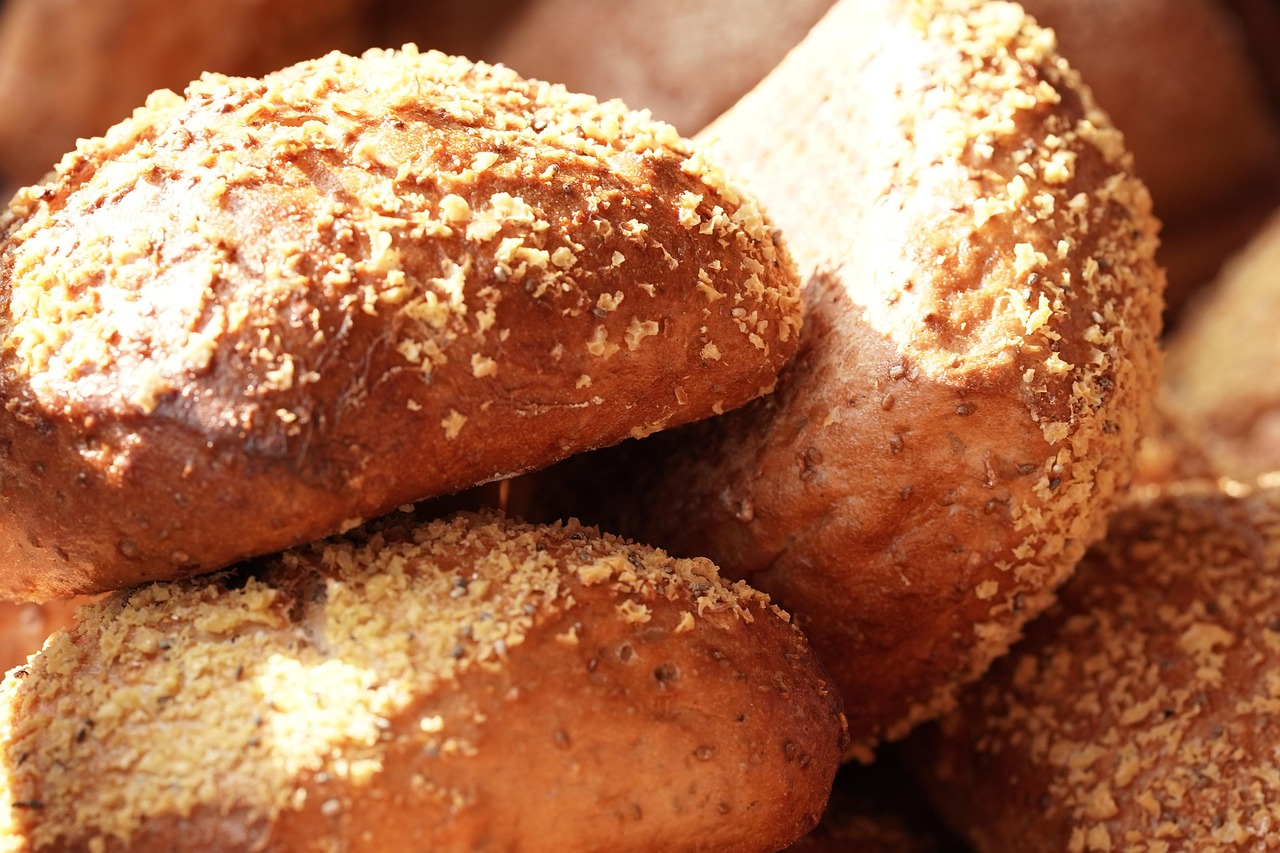
Lay every Easter item out and photograph it. Either shoot a carousel with one item per slide or take a single overhead flat-lay of the whole range on your counter. Each item gets a name and a price, so customers don't have to ask for either.
It works like a menu, and that's why it gets saved. Someone planning Sunday lunch screenshots it and drops it in the family group chat with "which ones do we want?" That share puts your shop in front of people who don't follow you yet. It's one of the plainest ideas for Easter you'll find, and it does more selling than a contest because it removes the question that stops people ordering.
Keep one item per slide in a carousel. Write the price on the image with your phone's text tool, or put every price in the caption in the same order as the slides. Make the last slide your how-to-order slide with the pre-order deadline and the link, so anyone who swipes to the end has the next step in front of them.
Crop with care. Instagram's profile grid now shows posts as tall rectangles, so a square image with the price written along the bottom edge gets cut off in the grid preview. Shoot at 4:5 portrait and keep names and prices in the middle of the frame. Our piece on the rectangular profile grid shows where the crop lands and how to fix older posts without reposting them.
5. A staff pick puts a face on the counter
One person from your team holds up the thing they'd take home this Easter and says why in a single sentence. That's the whole format. No script, no lighting rig, just a first name, an item and a reason.
It earns its place because people buy from people. By midweek your followers have seen the line-up and know what you sell. What they don't know is which one to get, and too much choice makes people put off deciding. A recommendation from someone they've seen behind the counter makes the choice for them, and a choice they've made is an order you can bake.
Run it on Tuesday 15 or Wednesday 16 April, before the pre-order deadline closes at 5pm Wednesday. A staff pick posted after the cutoff only sells what's left on the shelf. Posted before it, it sells orders you can plan for. Put the staff member's first name in the caption so regulars can say it back to them at the till.
A worked example from a bakery counter
Picture a 15-second clip filmed by the till. Priya holds up a small simnel cake and says, "This is the one I take to my mum's every year, because the marzipan's toasted on top, not just stuck on." The caption reads, "Priya's pick for Easter Sunday. Small simnel cake, serves six. Pre-orders close 5pm tomorrow, link in bio." It gives one reason, one item and one deadline. It took one take and it beats any graphic you could design.
6. A customer reshare does the selling in someone else's words
Find a customer's photo of last year's Easter order, or of something they picked up from you this week, and repost it with their name and tag. Their table, their kids, your buns in the middle of it.
Social proof from a local person carries more weight than anything you say about yourself. When a neighbour posts your hot cross buns at their breakfast table, other people in the area trust it the way they'd trust a tip at the school gate. It also keeps your shop's name moving around the area. Every tag and reshare puts it in front of that customer's followers, and those mentions add up. Our piece on brand mentions explains why a local business being named in posts and reviews now feeds into how AI answers pick which shop to suggest.
Ask permission first, in a direct message. You can copy this one. "Hi Sam, we loved your photo of the Easter box from last year. Could we share it on our page this week, with credit to you?" Wait for a yes, then screenshot the reply and keep it in a folder on your phone. If anyone asks later, you've got the record.
The limit here is supply. If you can't find a customer photo by Thursday 17 April, skip this format. A faked or borrowed one does more harm than leaving it out.
7. A last-call story clears stock and rewards the people who follow you
On Saturday 19 April, early afternoon, post a 24-hour story showing exactly what's left, with a time to come in by. "Six hot cross buns, two small simnels, a handful of eggs. Here till 4pm." Easter Sunday you're shut, so this is the last chance to sell anything perishable.
It turns leftovers into sales, and it gives followers a reason to check your stories at all. People who catch it get something the rest of the area doesn't, which is first go at the last tray. That habit carries over to your next holiday.
Photograph the actual shelf, not a stock image. A real half-empty tray is the proof that stock is running out. Post the first story around 11am, then update it once at lunchtime with a fresh photo when the count drops. Two stories is plenty. Five looks like panic.
Easter phrases and captions that don't sound cheesy
Plain phrases work best, because they say something true about your counter. Keep the puns to one per post, at most. Here's a short bank you can copy across the whole fortnight.
- "Last few eggs on the shelf. In till 4pm."
- "Hoppy Easter from all of us at the counter."
- "Fresh out of the oven at 7am, gone by 10 yesterday."
- "Buns are glazed. Doors open at 8."
- "Closed Sunday, back Monday 9am. Have a lovely Easter."
- "Still a few boxes left for anyone who forgot."
- "Thank you for every order this Easter. Back to normal hours Tuesday."
How to choose which formats to post if you only have time for three
Seven posts is the full set. Three is enough to cover the questions your customers ask most. Pick by what you sell.
| Business | Three formats | Why these three |
|---|---|---|
| Bakery | 2, 3, 7 | Pre-orders fill the oven, clips justify the price, last call clears Saturday's stock |
| Cafe | 1, 4, 5 | Hours stop wasted trips, the line-up shows the Easter menu, a staff pick gives people a reason to pick one thing |
| Gift or local shop | 1, 4, 6 | Hours, a range people can share, and a customer's photo doing the persuading |
Your day-by-day calendar from 9 to 21 April
Here's the full run with every format in place. If you're using the three-post shortlist, keep your three on these days and drop the rest.
- Wed 9 April: open your pre-order form or landing page, and DM customers for reshare permission
- Thu 10 April: film three behind-the-counter clips in one morning and post the first
- Fri 11 or Sat 12 April: the Easter line-up carousel
- Sun 13 April, 5pm: pre-order deadline, 72 hours out
- Mon 14 April: hours post, pinned, and Google Business Profile updated the same day
- Tue 15 April: staff pick, plus the 24-hour deadline reminder at 5pm
- Wed 16 April: 2pm final deadline call, orders close at 5pm
- Thu 17 April: hours post again, plus the customer reshare
- Fri 18 April, Good Friday: second clip, captioned with Saturday's opening time
- Sat 19 April: last-call story at 11am, updated at lunchtime
- Sun 20 April, Easter Sunday: one short greeting, or nothing at all
- Mon 21 April, Easter Monday: thank-you post and your normal hours from Tuesday
Turn the hours and deadline posts into two short emails
Two of these posts work just as well in the inbox, and they reach the customers who don't check your feed. The hours post becomes an email on Monday 14 April. The pre-order deadline becomes an email on Sunday 13 April, with a one-line reminder to anyone who hasn't clicked by Tuesday. Keep the wording and the hours exactly as they are in the posts.
Write them as real text, not as one designed picture. An email that's one big image shows a blank box when images are switched off, can't be read aloud by a screen reader, and looks to mailbox filters like a promotion with nothing to say. Three short lines of hours in plain text read fine on any phone.
In SendTo, you type a short brief and a finished email comes back in seconds, built on your shop's brand preset. Before it goes out, the built-in reviewer checks the subject line, links, structure and basic compliance. Every address is verified before sending, so bounced addresses from last Easter's list don't hurt this one. What it won't do is decide your hours or your cutoff for you. Those come from your counter.
Start today. Open your order form, message one customer about a reshare and film three clips tomorrow morning. Most of the work is done by Wednesday 16 April, and your counter does the rest.
If you recommend marketing tools to agencies, SendTo pays you 20% of the partner subscription of every agency you refer, every month that agency pays it.
Join the SendTo affiliate programme