
A Christmas countdown is only worth posting if each day gives a follower a new reason to stop scrolling. That's the test behind every one of the christmas countdown social media ideas below. You get nine formats, and none of them is a repeated discount. A local shop can batch all nine in one afternoon, and so can the freelancer or agency running its accounts. Think a staff pick, a gift at a set budget, a last-order date, an opening-hours card and five more, each carrying its own piece of news.
The usual countdown is "Day 7: 10% off", then "Day 8: 15% off", repeated until Christmas Eve. It feels busy, but it teaches your followers one lesson. Wait for the biggest number. Regulars hold off buying in the first week because they know a better offer is coming, and you've given away margin on sales you'd have made anyway. We made the same case for summer in writing sale ads that don't train customers to wait for discounts. It applies twice over in December, when people are buying regardless.
It's Tuesday 27 October 2026. Christmas Day falls on a Friday this year and Christmas Eve on Thursday 24 December. That makes now the right week to batch, with posting starting in late November or on 1 December. A 12-day countdown starting on 13 December leaves too little room for last-posting dates, so pick 1 December. You also don't need a post every day. Twelve good posts spread over 23 days beat 23 thin ones. Each format below follows the same pattern, so the piece is easy to scan. You get what the post is, why it earns its slot, and one concrete detail to copy.
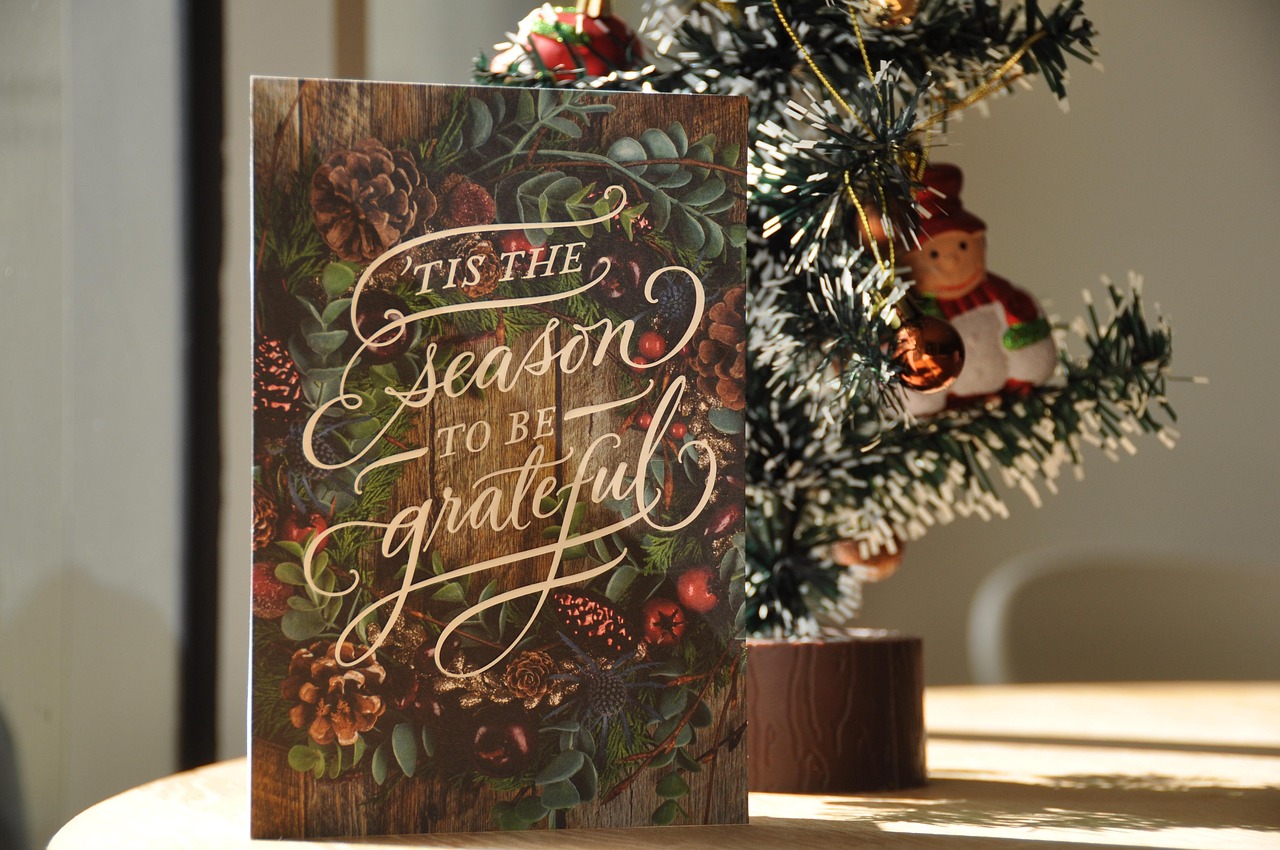
1. A staff pick that puts one named person beside one product
This is a photo of someone who works in the shop holding the thing they'd buy, plus one sentence in their own words about who it's for. At a bookshop, that might be Priya with a hardback cookbook "for the friend who hosts every Boxing Day". At a deli, it's Tom with a jar of chilli jam "for the dad who puts it on everything".
It earns its place because people follow people. A local shop's real edge over the big online retailers is the person behind the counter who remembers what you bought last year. A staff pick puts that person in the feed, and it gives you as many posts as you have willing staff. Four people means four posts that never feel like the same post twice.
Keep the caption to a fixed template so the series looks like a series. Use the name, the item, the price, then "Buy this for the person who..." finished in their words. End with where to find it, such as "Front table, by the till". Then shoot every pick on one morning, against the same wall, in the same light, before the shop opens. Twenty minutes gets you a matching set, and the grid looks planned on Instagram even though you made it in one go.
2. Gifts at a set budget, so followers can shop by number and not by browsing
Make one post per price band, using the shop's own prices. For a candle shop in the UK, that could be under £10, under £25 and under £50. A florist might do under £20, under £40 and "the big one". Pick bands that match what you actually stock, not round numbers you'd struggle to fill.
Budget is the first question a gift buyer asks. "What can I get my sister-in-law for about twenty quid?" A budget post answers it before they've had to scroll through your whole range, which makes buying easier without cutting a penny off the price. It's the opposite of a discount. You're making the decision simpler, not the item cheaper.
Build each band as a carousel with one item per slide and the price written on the image itself, large enough to read on a phone. Six to eight slides is plenty. Post the cheapest band first, because it gets the most saves. Stocking fillers and Secret Santa gifts are what people bookmark early and come back to. On Facebook, the same images work as a multi-photo post, and a short, plain caption like "Gifts under £10, all in stock today" travels well when someone shares it into a local community group.
3. The last-order and last-collection dates, posted early and posted again
This is a plain card with your own cut-offs on it. List the last day to order for posting, the last day for click-and-collect and the last day to order personalised or made-to-order items. Use no illustration and no clever wording. Just dates, big and clear.
It earns its place because it's real news. Followers need it, they save it and they send it to the person they're buying with. It also creates urgency without a discount, because the deadline is true. Nobody feels tricked by a date that actually exists.
With Christmas Day on Friday 25 December 2026 and Christmas Eve on Thursday 24 December, the week before Christmas is a short one for posting. Don't guess at it. Take the last recommended posting date your own carrier publishes for the service you actually use, then work backwards by your own make and pack time. If engraving takes two days and packing takes one, your personalised cut-off is three working days before the carrier's date, not on it. Post the card in the last week of November and again about five days before the first deadline. That second post isn't repetition. It's a reminder people are glad to get.
4. A behind-the-counter post showing the wrapping, packing or making
This is a short Reel or a three-image carousel of the work your customers don't usually see. It could be a florist tying a hand-tied bouquet, a deli building a hamper or a gift shop wrapping in its own paper and ribbon.
It earns its place because the process sells a service you already offer. Plenty of followers don't know you wrap for free, or that hampers can be built to order. Showing it tells them without a single line of sales copy. It also gives you video that needs no script and nobody talking to camera, which is usually what stops a small shop making video at all.
Put the phone on a shelf above the counter, pointing straight down, and film 20 to 30 seconds of hands at work. Overhead angles hide clutter and make wrapping look satisfying. One take covers two posts. Trim it into a Reel with a trending sound or the shop's own background noise, then pull three stills from the same footage for a carousel later in the month. If you're deciding whether that Reel is worth putting money behind, we've compared organic Reels and boosted posts for a local shop's Q4 push, so you can choose before December rather than during it.
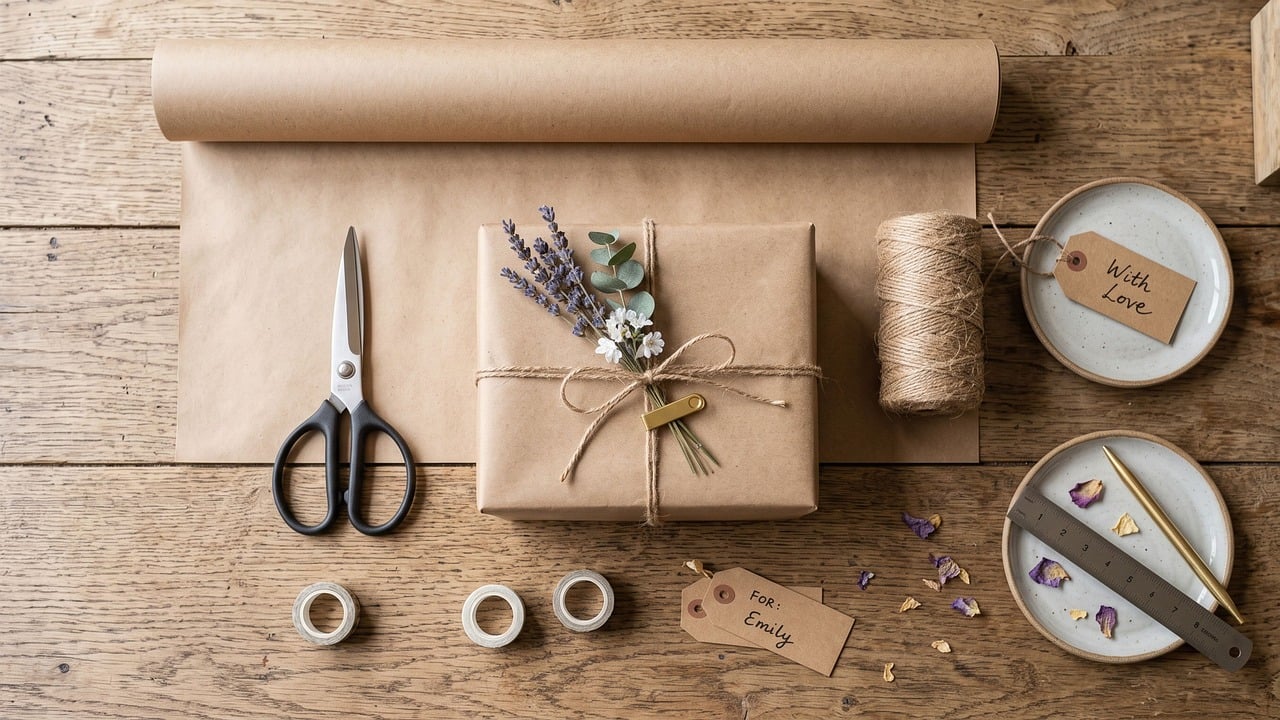
5. A gift-finder post where followers describe the person and the shop answers
Ask a simple question. "Tell us who you're stuck on in the comments, and we'll pick something from the shelf." Add one example so people know how to answer, such as "My brother, 30s, likes running and bad puns".
It earns its place because it turns the countdown from a broadcast into a conversation, and that's how you stop it feeling repetitive by day eight. Every comment is a real customer telling you what they need. The replies also hand you material for later posts. If three people ask about teenagers, you know what your next budget carousel should be.
Set yourself a reply rule and stick to it. Answer every comment within the day, name one specific item and its price, and invite them in or to the shop's website. "The trail-running socks at £12, and add the pun mug at £9. Both by the door if you pop in." The next morning, take the three best exchanges and turn them into Stories, one per frame, with a photo of the item you suggested. Facebook comments often run longer and chattier than Instagram ones, so expect more back and forth there, and keep replying in the thread, where everyone else can see the help you're giving.
6. A neighbour shout-out that borrows another local business's audience
This is one post built around a pairing with a nearby shop or cafe that doesn't sell what you sell. Our candle plus their chocolate. Our cookbook plus their olive oil. Our bouquet plus their bottle of fizz. You photograph the two items together, and each business posts its own version on the same day, tagging the other.
It earns its place because both accounts share it, so each of you reaches followers you didn't have. Your followers already trust your taste, and a recommendation for the cafe two doors down reads as a favour to them, not an advert. The cafe's followers see your candle beside a brownie they already love. Nobody pays for reach, and the post carries news your feed hasn't had yet.
Agree the swap in early November, not in December when everyone's flat out. Walk in, ask for the owner and keep it simple. "We're doing a Christmas countdown, would you pair one of your things with one of ours on 12 December? We'll both post, we'll both tag." Shoot the pairing together on one visit so the two posts match. Give them the photos and a draft caption, because the shop that does the work gets a yes.
On Facebook, this post tends to travel further than anything else in the countdown, because two sets of locals share it into the same community groups. On Instagram, use the collab feature so the post appears on both grids with both names on it. If you're weighing where to put most of your effort, we've compared Instagram and Facebook for a local business's organic effort this autumn.
7. An honest 'last few in stock' post that tells the truth about quantities
This is a post naming one real item with one real count. "Four left of the large hamper." "Two of the blue linen scarves, then that's it until spring." Photograph the actual items on the counter, all four of them, so the number is visible in the picture.
It earns its place because scarcity is news when it's true, and a local shop can prove it. An online giant always has more in a warehouse somewhere. You've got four hampers on a shelf, and your followers know you can't magic up a fifth by Friday. That's a reason to act now that needs no discount and costs you nothing.
Only post it when the count is real, and update it as things sell. Edit the caption from four to two, or add a Story when the last one goes. Then the sell-out becomes a second post for free. "The large hamper's gone, thank you. The medium one has the same cheese and chutney at £35, six left." That follow-up points disappointed buyers at something they can still have.
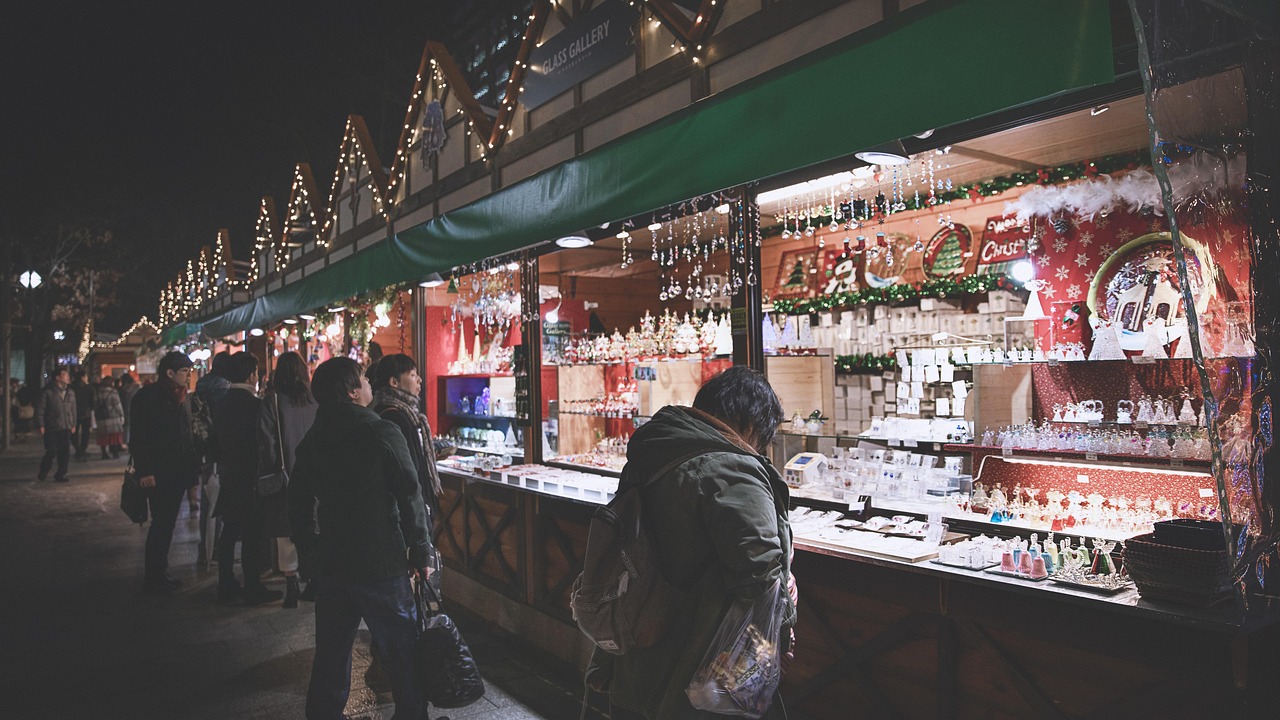
8. A festive opening-hours card that answers the question customers will phone about
This is one clean graphic with every change to your normal hours. Late-night openings, the early close on Christmas Eve, the days you're shut between Christmas and New Year, and the date you reopen in January. With Christmas Eve on Thursday 24 December this year, a lot of people will be asking whether you're open on Saturday 26th. Say so either way.
It earns its place because it's the most saved and shared post a local shop makes all December, and it cuts phone calls. Every "are you open on the 27th?" you'd otherwise answer by phone, message or comment gets answered once, in public. It's dull to make and it outperforms everything clever.
Lay it out as a list of dates down the left with hours on the right, in big type, with your shop name at the top so it still makes sense when shared out of context. Pin it to the top of your Instagram grid and to the top of your Facebook page on the day you post it. Update your Google business hours on the same day, and your website footer too. The wording should match on all four, because a customer who sees 5pm on Instagram and 4pm on Google will ring you to ask which is right, which is the call you were trying to avoid.
Post it on 1 December and share it again to Stories in the final week. On Facebook, local groups often run a "who's open over Christmas" thread, so drop the card in there as a reply.
9. A gift card post for the people who left it too late
This is the final-days post for last-minute buyers. It tells them they can still give something from your shop after the last posting date has gone. Say where they can buy a voucher, in store or online, and whether it comes printed in a card or by email.
It earns its place because it captures sales after your posting deadline has passed, at full value. A voucher isn't a discount. It's the whole price, paid now, often spent in January when the shop is quiet. For the buyer, it's a gift that looks thought about rather than grabbed at a petrol station.
Post it on 22 December and again on 23 December. Show what the voucher looks like in hand, the actual card or envelope on your counter, maybe tucked into a sprig of greenery. A voucher shown only as a flat graphic reads as an afterthought. If you sell emailed vouchers, say plainly how fast one arrives, such as "in your inbox within ten minutes", so the person buying at 11pm on Christmas Eve knows it'll be there by morning.
The emailed voucher does one more job. It captures a customer's email address, and often the recipient's too, which is a contact you can reach in January without paying any platform for the privilege.
How to choose your christmas countdown social media ideas and batch them in one afternoon
Pick the formats your shop can actually deliver. If staff are happy to be photographed, run the staff pick (1). If your prices fall into clear bands, run the budget carousels (2). If you post or offer collection, the last-order card (3) is a must. If you wrap, build or engrave, show it (4) and sell vouchers (9). Everyone should run the opening-hours card (8). You don't need all nine. Six formats spread over twelve posts gives you plenty of variety, and that variety is what stops the countdown feeling repetitive by day eight.
Start on Tuesday 1 December, not 13 December. A 12-day countdown that late leaves your last-order card arriving after people needed it. Twelve posts over 23 days is enough, with gaps that let each post breathe. Here's a running order to copy, mixing useful posts with personality posts. Your first last-order card should already have gone out in the last week of November.
| Date | Format | Type |
|---|---|---|
| Tue 1 Dec | Opening-hours card (8), pinned | Useful |
| Thu 3 Dec | Staff pick (1) | Personality |
| Sat 5 Dec | Gifts under £10 carousel (2) | Useful |
| Tue 8 Dec | Behind-the-counter Reel (4) | Personality |
| Thu 10 Dec | Gift-finder, evening post (5) | Personality |
| Sat 12 Dec | Neighbour shout-out (6) | Personality |
| Mon 14 Dec | Second staff pick (1) | Personality |
| Wed 16 Dec | Last-order reminder (3) | Useful |
| Thu 17 Dec | Gifts under £25 carousel (2) | Useful |
| Sat 19 Dec | Last few in stock (7) | Useful |
| Tue 22 Dec | Gift card post (9) | Useful |
| Wed 23 Dec | Gift card again, hours card to Stories (9, 8) | Useful |
Move the last-order reminder to roughly five days before your own first deadline, worked out from your carrier's published dates and your make time. If you're also running print for the shop, the same backwards planning applies, and we've covered planning a local client's Christmas print run from the delivery date.
One afternoon, one wall, one phone
Batching works because the decisions are the slow part, not the photos. Block out one afternoon this week or next, before the shop gets busy.
- Step 1: Write every caption in one document first, using the templates above, so you know exactly which shots you need.
- Step 2: Shoot everything against one wall in the same light, staff picks, budget items, the stock count and the voucher in hand.
- Step 3: Film the overhead wrapping take and pull your stills from it.
- Step 4: Build the hours card, the last-order card and the budget slides from one template so they match.
- Step 5: Schedule the lot in Meta Business Suite for Facebook and Instagram, leaving the gift-finder and stock count to post live.
The same post can go to both platforms, with two tweaks. Instagram wants the hours card pinned to the grid and the pairing post run as a collab. Facebook wants plainer captions that read well when shared into a local group.
Send the same countdown to your own list
Followers belong to the platform. An email list belongs to the shop. Put a signup link in your Instagram bio and your Facebook page button, mention it in the hours card caption, and send the strongest four posts as emails, the hours, the last-order dates, a staff pick and the gift card. Add the voucher buyers from item 9, and in January you have people you can reach directly, with no algorithm deciding who sees you.
If you run accounts for local shops, that email side is something you can sell. SendTo is the email marketing platform agencies run under their own brand, with campaigns, signup forms, landing pages and list cleaning for each client, and the sending and address checks handled for you. If you know agencies who'd want that, you can refer them.
Affiliates earn 20% of the partner subscription each referred agency pays SendTo, every month it pays, and never a share of what that agency's own clients pay. Attribution lasts 90 days from first click, and commission is paid monthly by PayPal.
Join the SendTo affiliate programme