Sora 2, the video model and social app OpenAI launched on 30 September 2025, makes the most convincing AI clips we've put in front of a client, with dialogue, ambient sound and effects generated in the same pass as the picture. Living with it for a week was thrilling for ten seconds at a time and frustrating across a whole brief. It suits agencies and creators who are testing ideas. It doesn't yet suit anyone delivering finished ads to a paying small business.
This is a sora 2 review for marketers, written on Saturday 4 October 2025, in launch week. Three things stop you handing its output to a client as a finished Reel. Access is invite-only, on iOS, in the US and Canada. Brand details like logos, products and on-screen text drift between generations, and you can't fix one detail without regenerating the whole clip. And every download carries a visible watermark, while the likeness and rights rules are still changing.
Below you'll find what getting in takes, where the picture and sound earn the praise, where control breaks down, and how cameos work and what consent they need. The watermark, workflow, price and who should use it follow after that. Where a fact is likely to change, we say it's how things stood this week.
Sora 2 makes the best-looking AI clips we have tested, and they still aren't client-ready
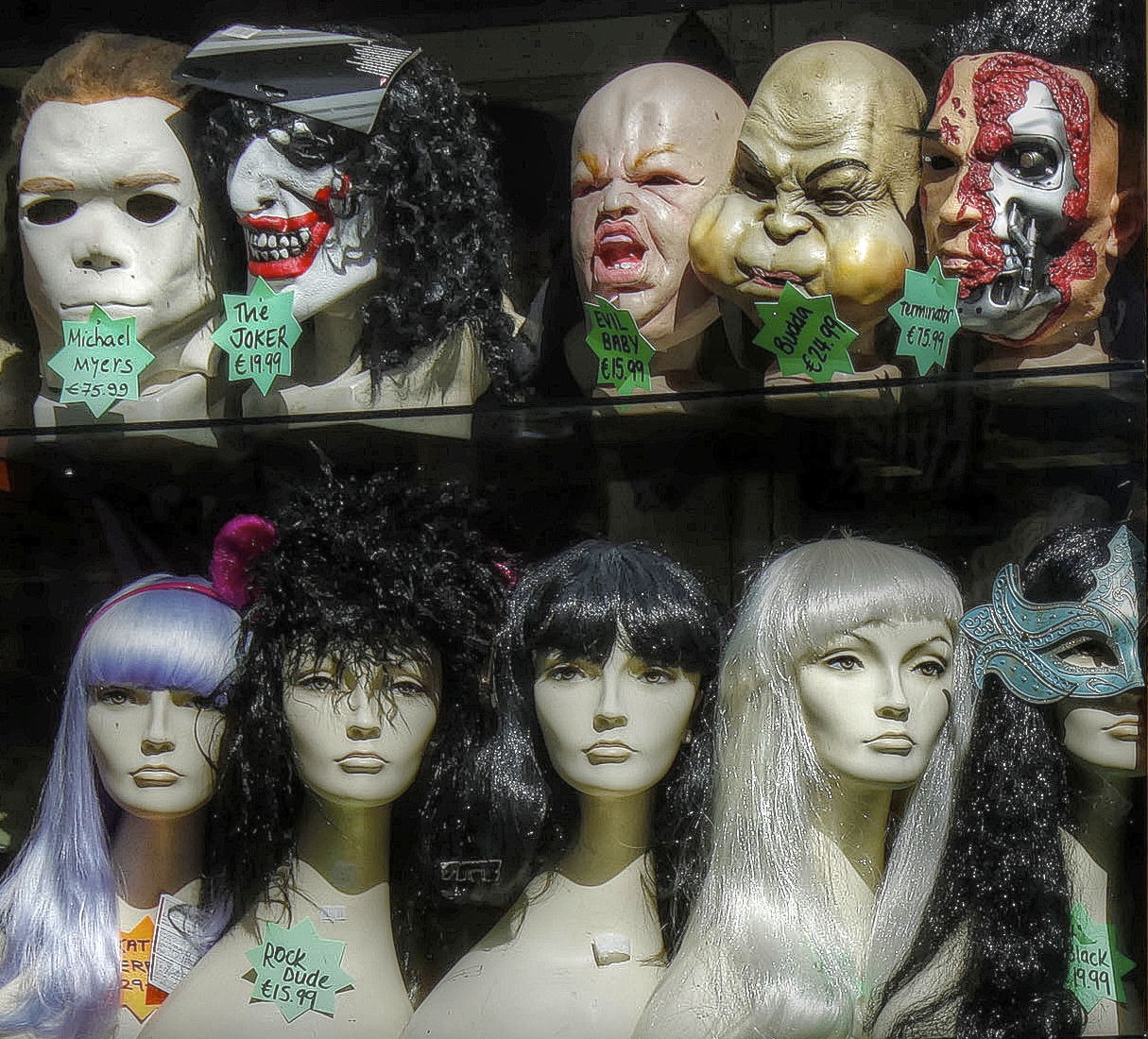
We gave it a week and three briefs. The clients were a neighbourhood cafe, a family garden centre and an independent costume shop, the same three trades we planned October sends for in our Halloween email and social plan for cafes, costume shops and garden centres. Each brief asked for three vertical Reels for October, the sort of thing a small agency would bill as a monthly social package.
Across the week we ran 61 generations. Nine of them were good enough to show a client as a concept. None of them went out as a finished Reel under the client's name, and the reasons why are the rest of this review.
That gap is the whole story. The clips look and sound good enough to stop a scroll. But a small business client doesn't pay for a pretty clip. They pay for their shop, their product and their name, shown correctly, every time.
Getting in is the first hurdle, and most client teams can't clear it yet
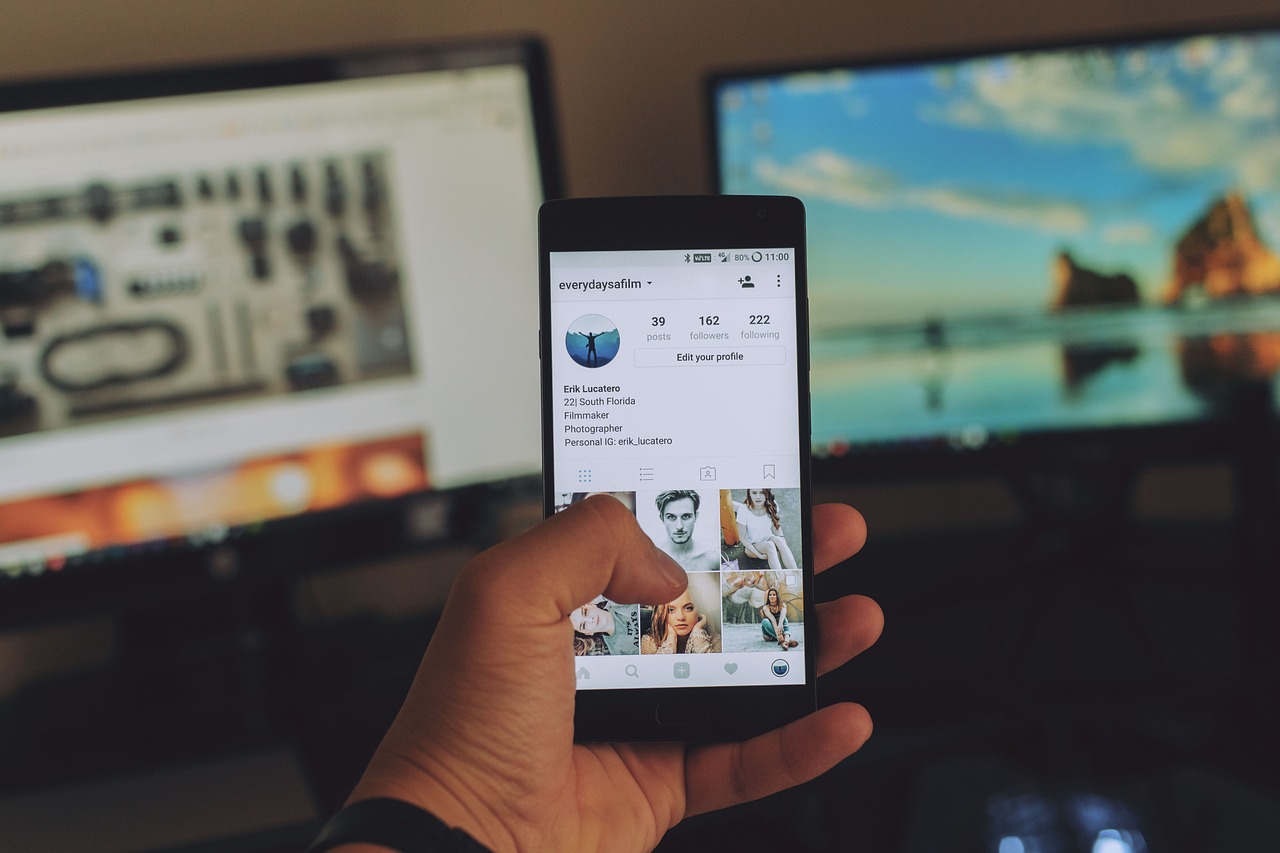
As of 4 October 2025, Sora 2 lives in the Sora app for iOS, which is invite-only and open in the US and Canada. Invite codes get passed between users, and each new member receives a few to share. If you have access, you can also use sora.com on the web. There's no Android app and no public API yet, so you can't wire it into a client production pipeline or automate anything.
Setup itself takes about five minutes once you hold a code. You sign in with an OpenAI account, pick a username, and land in a feed that looks and scrolls like a short-video social app. That's deliberate. Sora is built as a place to make, remix and watch clips, and the generator sits inside it. Output defaults to vertical, which is handy for Reels and TikTok, and the in-app clips run to about 10 seconds.
The comparison that matters here is reach. Google's Veo 3 is available through the Gemini app and Google's Flow filmmaking tool on its paid AI plans, in far more countries than Sora. Runway lets anyone sign up on the web today. Our colleagues outside North America couldn't get into Sora at all, so if your team or your client sits in the UK, Europe or Australia, Veo 3 or Runway is the tool you can actually use this month.
Picture quality and synced audio are a real leap
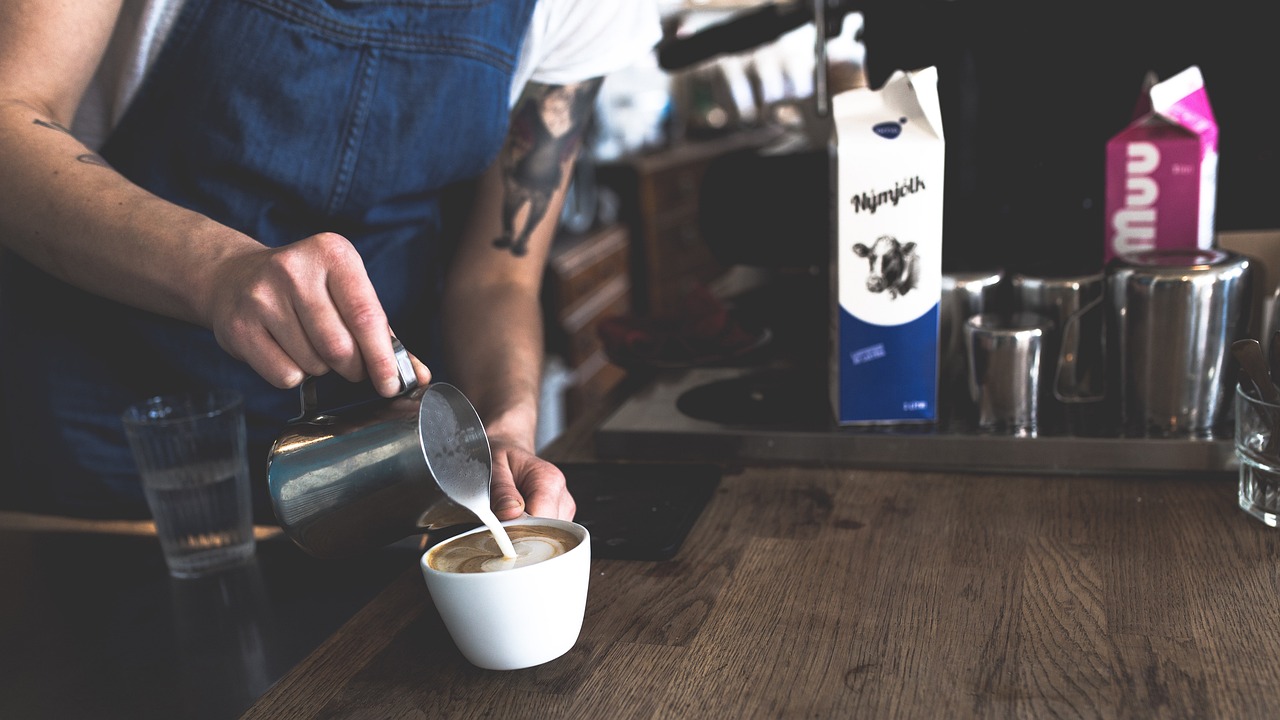
The cafe clip worked first time, which surprised us. The prompt was plain. A close-up of a barista pouring oat milk into a flat white on a wooden counter, steam rising, low morning light through the window, soft chatter and the hiss of a steam wand behind.
What came back was 10 seconds of footage you'd struggle to tell from a phone shoot. The steam curled and thinned the way steam does. The milk folded into the espresso with a believable weight. The camera eased in slightly and the focus pulled from the jug to the cup. And the sound arrived with it, the hiss, a cup set on a saucer, a murmur of customers, all timed to what was on screen.
Dialogue is the bigger step. We asked for the barista to look up and say a short line about the autumn menu, and the lip sync held. Mouth shapes matched the words, and the voice sat in the room rather than floating over it. For physics, lighting and camera moves, Sora 2 was the most consistent model we've tried.
Where the audio slips
The voices are the weak point. Unless you describe them closely, you get a polished, generic presenter voice that sounds like a radio advert, not someone who works in a local cafe. Accents drift too. We asked for a friendly local voice and got three different ones in three generations.
Names get mangled. The costume shop's name came out mispronounced in four of six tries. Music beds sometimes appear when you didn't ask for them, and lines can get clipped when a sentence runs past the end of the clip. You'll want to write dialogue short, about one sentence per clip, and you'll still re-roll for the voice.
Against the field, Veo 3 is the other model generating sound with the picture, and in our tests it's the closest rival, with clips of around eight seconds. Runway Gen-4 is silent, so you add voiceover, music and effects afterwards in CapCut or Premiere. That's more work, but it also means the voice is one you chose.
Control is where small business work breaks down
Here's the central weakness. Sora 2 makes a convincing world, but it doesn't make your client's world. Products don't match the real stock. Logos and shop-front signs come out as near-letters that read like a foreign alphabet. The same person or set changes between clips, so a three-Reel series doesn't look like one shop.
The garden centre clip shows it best. The brief was a slow push past a pumpkin display towards the shop's entrance sign, with a voice saying the patch opens this weekend. It took 14 generations to get one we'd show the owner, and even that one needed fixing.
- The sign above the entrance read as scrambled lettering in every single generation, so we covered it with a caption bar in CapCut.
- The pumpkins were neat orange globes, while the client actually sells warty heritage varieties and white pumpkins, which is half the point of their display.
- The building changed shape between the clips we kept, from a timber barn to a glass greenhouse front.
You can't edit one detail. There's no way to say keep everything, just fix the sign. Remixing changes the whole clip, so a fix to the lettering can cost you the camera move you liked. Each attempt is a fresh roll of the dice, and clips are short at about 10 seconds, so a 30-second Reel means stitching three rolls that don't quite match.
Runway Gen-4 handles this better through reference images, which keep a character or object closer to the original across shots. It still isn't product-accurate, but it's closer. For anything where the exact product matters, real footage wins.
Say this plainly to a client. You can't promise them a particular product shot, a readable logo or the same staff member across a series. If the brief depends on any of those, Sora 2 isn't the tool, and that's worth settling before you quote a price.
Cameos are clever for owner-led content, with tight limits
Cameos are Sora's way of putting a real person in a clip with their consent. The person records a short video and audio verification in the app, reading prompts and turning their head, so the system knows it's really them. They then choose who can use their likeness, from only themselves to approved people or everyone, and they can revoke that permission whenever they like. They can also see clips other people make with their cameo.
For owner-led businesses this is the most interesting feature. The cafe owner recorded a cameo on her own phone in under two minutes, and we made concept clips of her behind the counter recommending the pumpkin spice bun without booking a shoot. She saw herself in three versions of the idea before deciding which one to film for real. That's a fast, cheap way to agree a concept.
The limits are tight, and they should be. At launch you can't upload photos of a real person to animate them, so you can't make a cameo of a client from their headshot. Public figures are blocked. A cameo is the person's own, held on their own account, so the agency never owns it.
You'll also need a policy for when things change. Decide what happens to posted clips if someone revokes their cameo, if a staff member leaves, or if the client asks for everything to come down. Write it into your service terms now, before the first clip goes live, because pulling an ad mid-campaign is a far harder conversation than agreeing the rule up front.
Treat the scripts the same way you'd treat any AI-drafted copy. We covered where model-written lines need a human edit in our GPT-5 review for agency copywriting, and the same rule applies when the words come out of a client's own mouth on screen. Check every claim, price and opening date before the owner sees herself saying it.
The watermark and rights rules decide what you can actually post
Every clip you download from Sora carries a visible watermark, a small Sora logo that moves around the frame during playback. It isn't tucked in one corner where a crop would lose it. It drifts, so it turns up over the product, the counter or the owner's face at some point in the clip. The file also carries C2PA provenance metadata, which records that the video was made with AI and where it came from.
We tried a cafe clip on a phone with the watermark left in. It looked exactly like what it was, a Sora clip, and anyone who has scrolled the Sora feed this week would spot it at once. For a concept shown to a client, that's fine. For a Reel posted under the cafe's own name, it tells every follower the footage isn't of the real shop.
Removing the watermark is a trust problem, not a workaround
Watermark removal tools appeared within days of launch. We didn't use them for client work, and we'd tell you not to either. The watermark is there so viewers know the footage is synthetic. Stripping it off and posting the clip as if it were filmed in the client's shop misleads their customers. It also puts the client's account at risk if the platform or a viewer flags it, and it goes against OpenAI's own usage rules for the output.
Rights rules were changing during launch week
The way Sora handles copyrighted characters and material was a live public question as we tested. Clips featuring well-known characters circulated in the feed in the first days, rights holders raised concerns, and OpenAI said it would give rights holders more control over how their material appears. As of 4 October 2025, those controls are still being worked out. Read the current terms before you build anything on them, because what's allowed this week may not be next month.
Moderation cuts the other way too. A costume shop prompt for a child in a witch costume trick-or-treating was blocked twice. A harmless line about a werewolf mask got refused once and accepted on the next try with the same words. You lose time to refusals you can't predict, which matters when a client is waiting on a call.
Then there's brand safety. AI-looking footage under a local business's name sits uneasily with what that business sells, which is the real place and the real people. A garden centre whose pumpkins don't match its stock invites a comment asking where those pumpkins are. If the client's followers feel misled, the agency carries the blame.
Where it fits in an agency workflow this autumn
Concept tests are where Sora 2 earned its place. On a call with the cafe owner, we showed three versions of an autumn menu Reel within the first five minutes. She picked one, changed the time of day, and we filmed the real thing with her phone the next morning. The AI clip never went out. It made the decision quick.
Four uses held up across the week.
- Concept tests, so a client sees a finished-looking idea before anyone books a shoot.
- Mood boards, where a dozen short clips set the light, pace and feel for a series better than still images.
- Background and B-roll layers, such as steam, falling leaves or a misty pumpkin field, sitting under real footage, captions and the client's own logo.
- Test variants for a small paid social trial, where you're checking which hook wins before you spend on filming it properly.
That last use pairs well with a cheap channel test. If you're weighing up Threads ads for local businesses before Black Friday, two or three Sora concepts give you hooks to try at low cost. Label them clearly, and swap in real footage once a hook proves itself.
Finishing still happens elsewhere. We cut every kept clip in CapCut, added captions, the real business name and the client's logo, and trimmed the voice where it ran long. Premiere suits teams who already edit there, and Canva is the quickest route for a client who wants to tweak captions themselves. Sora gives you raw material, not an edit.
Email is a separate case. A video won't play inside most inboxes, so the move is a short looping preview or GIF that links to the hosted Reel. In SendTo, that preview sits in the email as an image linked to the video, the same way we set up the October sends in the Halloween plan. Keep the GIF small, a few seconds and a few hundred kilobytes, so it loads on a phone and doesn't drag the email towards a spam folder.
Price and plans: free while it lasts, Pro if you already pay for ChatGPT Pro
At launch, Sora 2 is free in the app, with usage limits. OpenAI says those limits depend on available compute and may change, and we hit a daily cap twice during the week. ChatGPT Pro subscribers get Sora 2 Pro on sora.com, the higher-quality version, which we found sharper on fine detail like milk foam and leaf edges. It didn't fix the sign lettering.
That's lovely for testing and awkward for billing. You can't quote a stable cost per clip when the tool is free today with limits that can move tomorrow. You can't build a margin on usage you don't control. And with no public API, you can't automate production or connect it to anything in a client pipeline. Charge for your time on concepts and editing, not for the clips.
The alternatives are easier to price. Runway sells monthly plans that come with credits, so you know roughly how many seconds of video a client job will use. Veo 3 comes through Google's paid AI subscriptions, with generation limits tied to the plan. Both give you a number to put in a quote, which Sora doesn't yet.
Who should use Sora 2 now, and who should look elsewhere
Use it if you're a North American agency that already has access. Treat it as a pitch and concept tool and it'll save you shoots that never needed booking. It's also worth the time for creators and affiliates who review AI tools, because readers want hands-on testing in launch week. If that's you, a Sora write-up belongs in your resource library next to the email and social tools you already recommend.
Look elsewhere in three cases.
- Your team or client is outside the US and Canada. Use Veo 3 through Gemini or Flow if you want sound generated with the picture, or Runway if you'd rather add your own voiceover.
- You need consistent branded product shots. Shoot real footage, or use Runway Gen-4 with reference images, which keeps objects closer to the original across shots.
- The client needs a finished ad this month. CapCut templates plus real phone footage of the shop will be posted, approved and live before you've finished re-rolling a Sora sign.
For local clients, real footage also suits where social is heading. Instagram is rewarding shares of genuine local content, as we covered in our piece on Instagram reposts and the new map, and a real barista pouring a real flat white gets reposted by real regulars.
Verdict
Sora 2 is the most impressive AI video we've tested. The picture and the synced sound are a real step forward, and the cafe pour clip still looks like footage from a phone. It's worth your time as a concept and pitch tool if you can get in. It isn't yet a delivery tool for small business Reels.
Out of 61 generations we kept nine as concepts and posted none. That's the honest summary. The watermark, the drifting logos and products, the 10-second clips and the rights rules still being settled all point the same way. Show it to clients, then finish with real footage.
Four things would change our verdict. Wider access, beyond iOS and beyond the US and Canada. A public API, so agencies could price and automate it. Finer editing control, so you could fix a sign without losing the shot. And settled rules on rights and likeness, so you know what you can post for a client without checking the terms every week. As of 4 October 2025, none of those is in place.
If you review tools like this for agency owners, the recommendation that pays you back is the platform they'll keep running for clients. SendTo's affiliate programme pays you 20% of the partner subscription every agency you refer pays SendTo, every month they pay it. It's never a share of what that agency's own customers pay them. Attribution lasts 90 days from the first click, first touch wins, and commission is paid monthly by PayPal.
Earn 20% of the partner subscription of every agency you refer, each month they pay it.
Join the SendTo affiliate programme